Desktop Gallery
20 Landscape Images

Sign Up
Users can create an account using a username, email, and password after OTP verification.
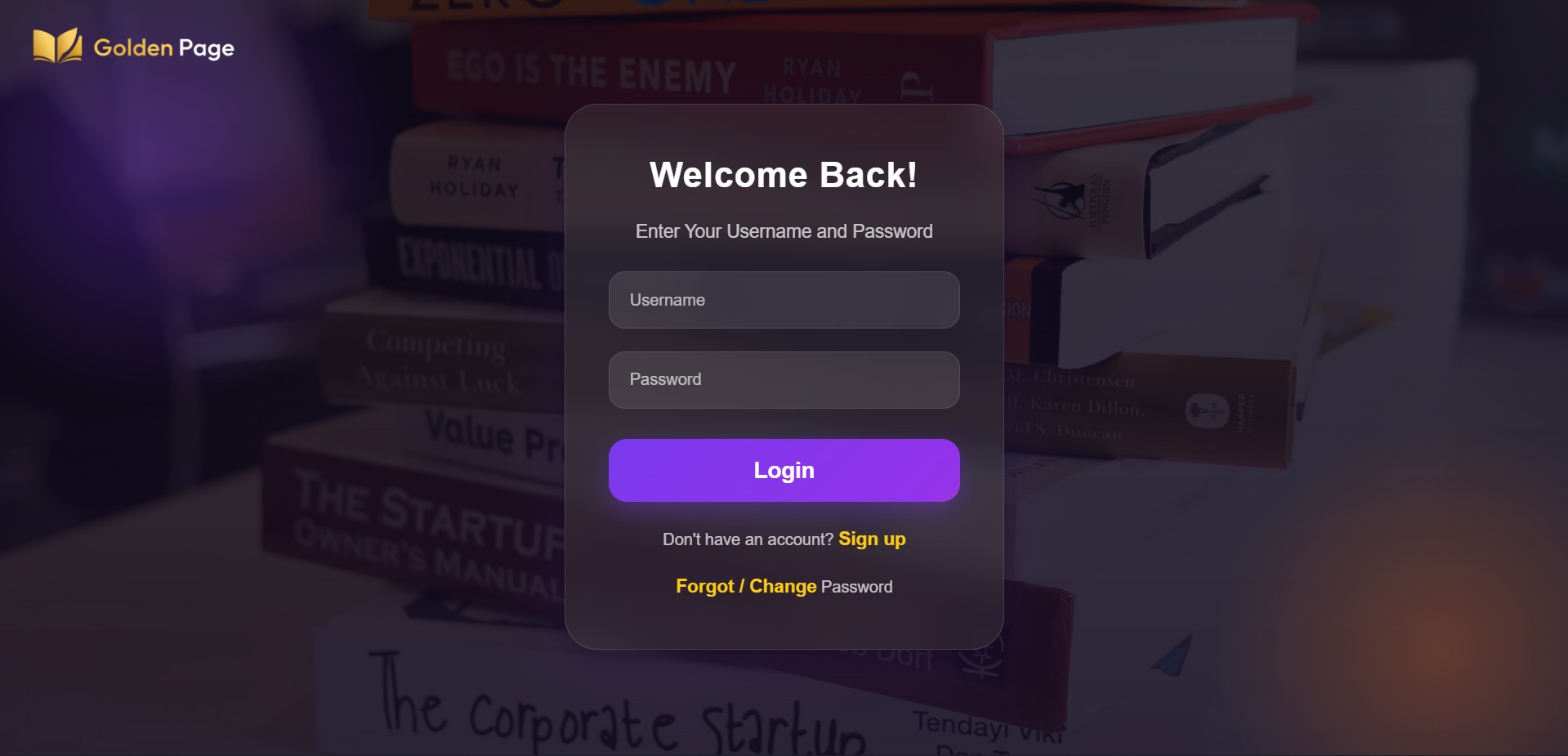
User Login
Users can log in using username and password.

Reset Password
Users can reset their password via OTP verification.

User Dashboard
Users can search books and sort by price.

User Dashboard
Users can browse books by category.

User Dashboard
Users can add books to the cart.
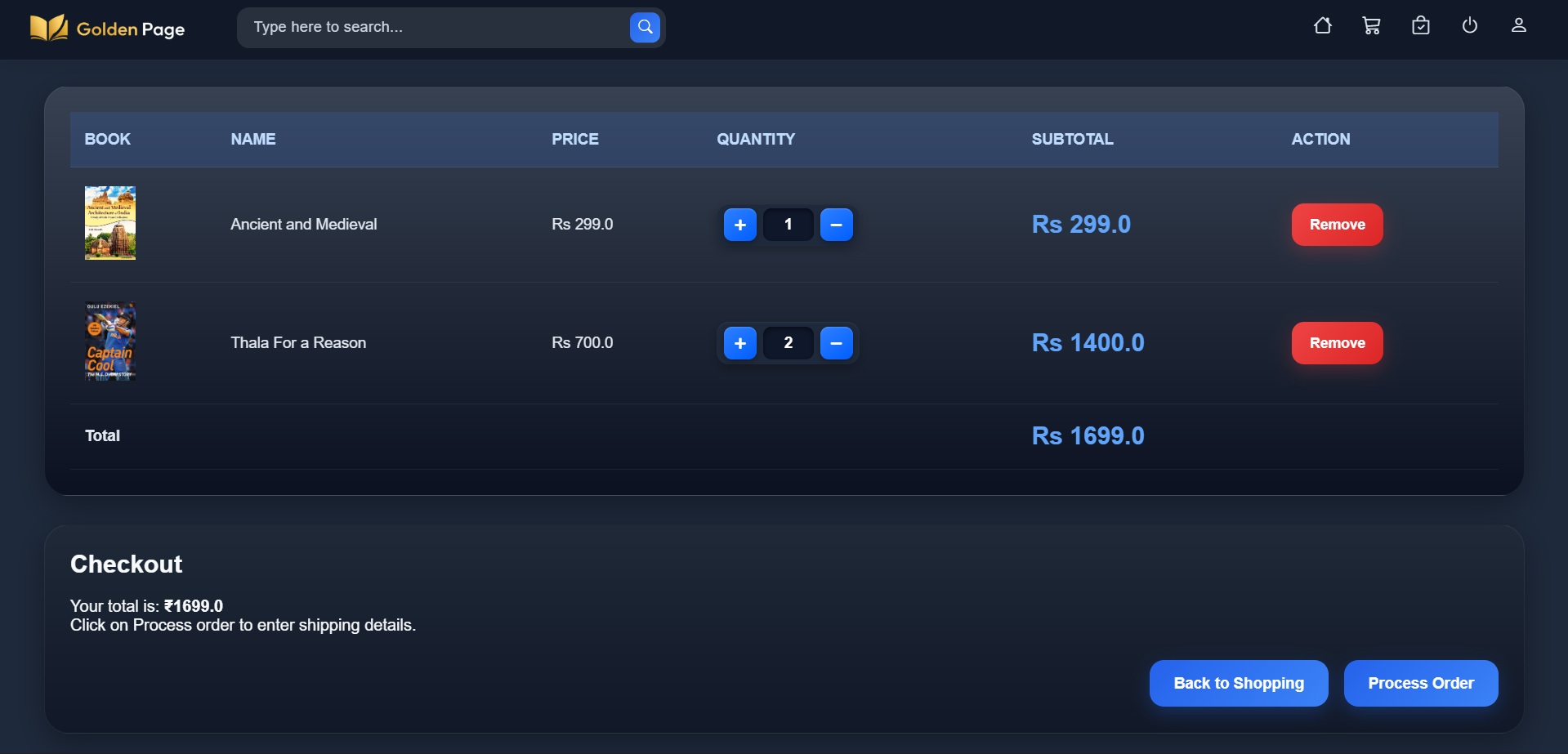
Add to Cart
Users can update quantities, remove books from the cart, and proceed to checkout.
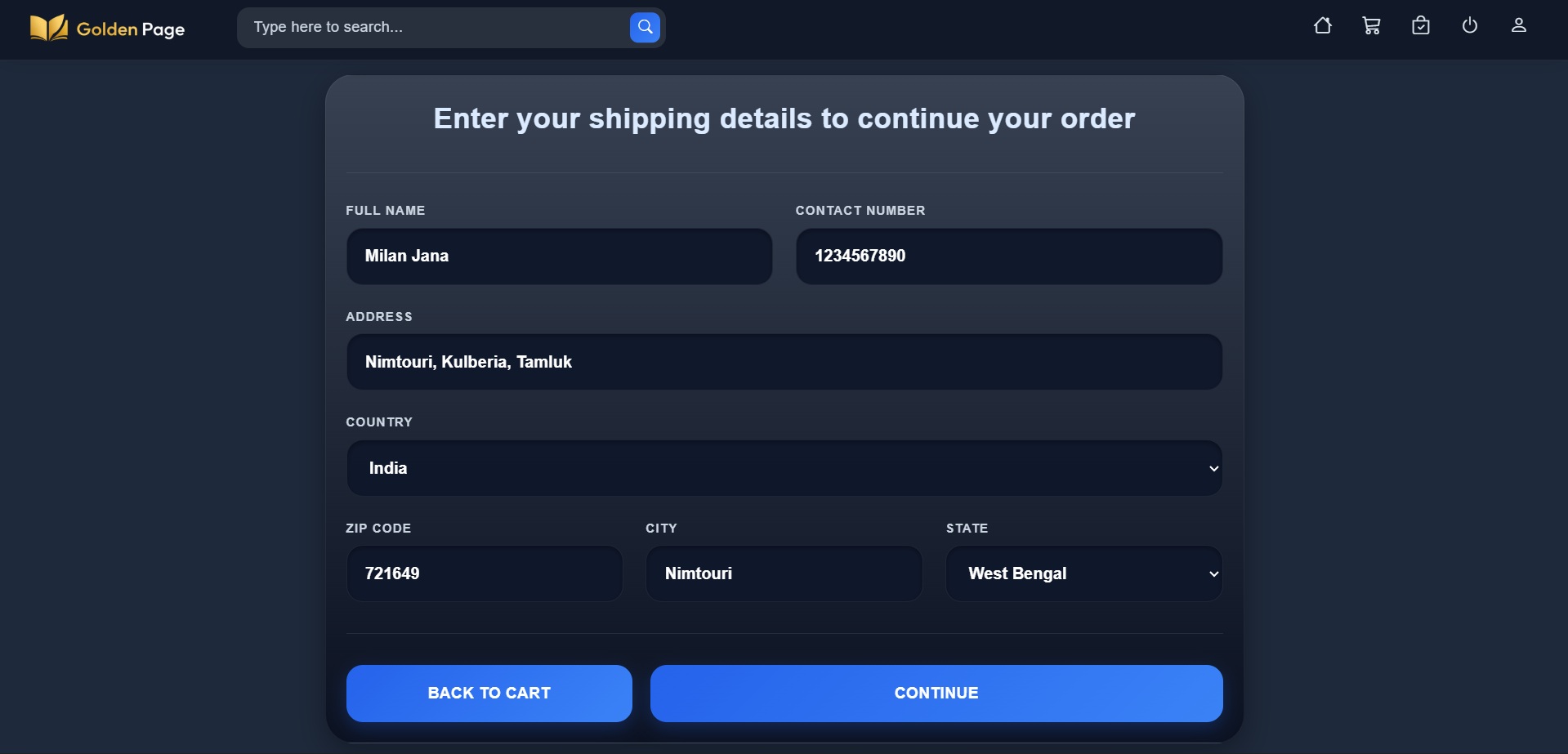
Shipping Details
Users must enter their address to place an order.
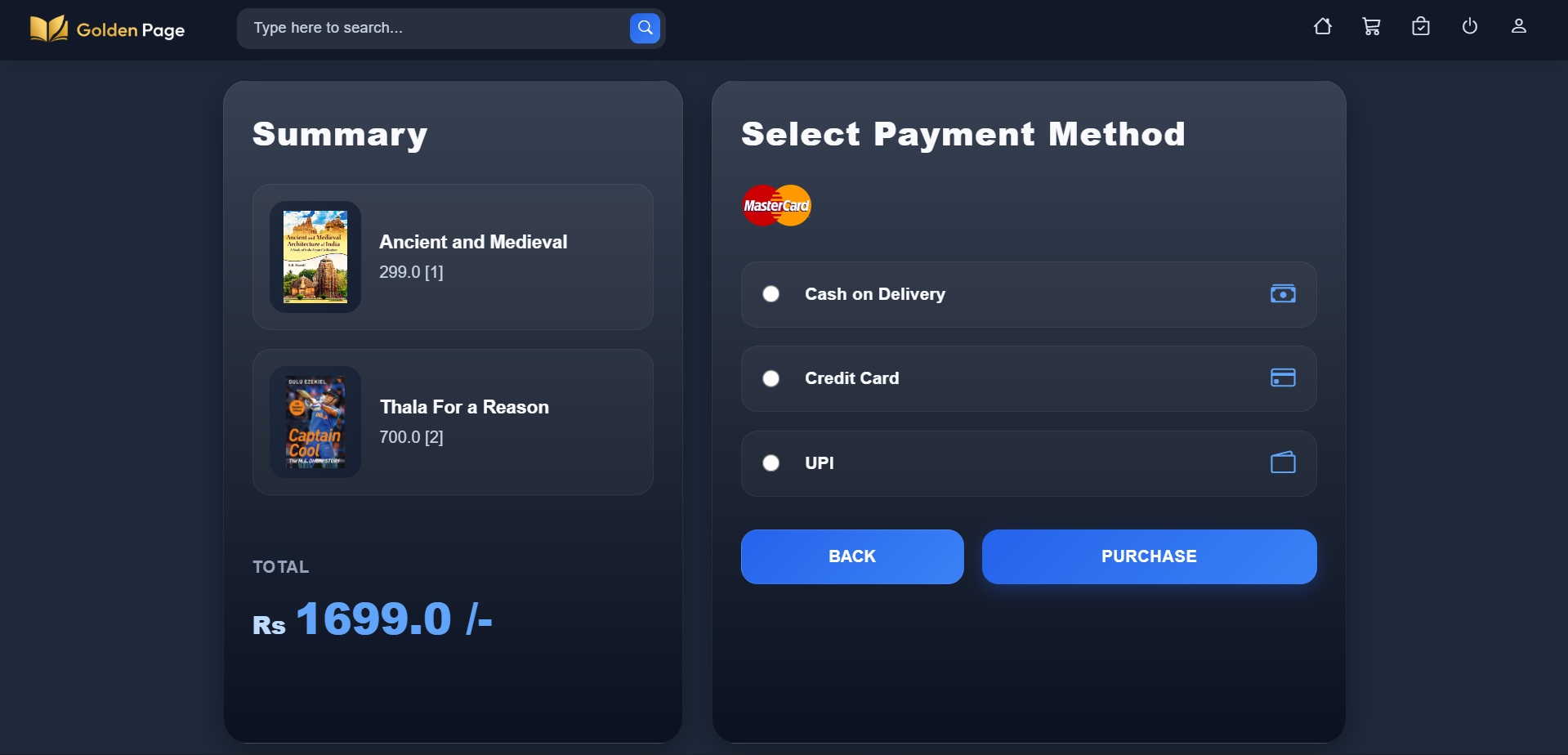
Select Payment Method
Choose a payment method: COD, Credit card, or UPI.
Payment Interface
Razorpay Payment System.
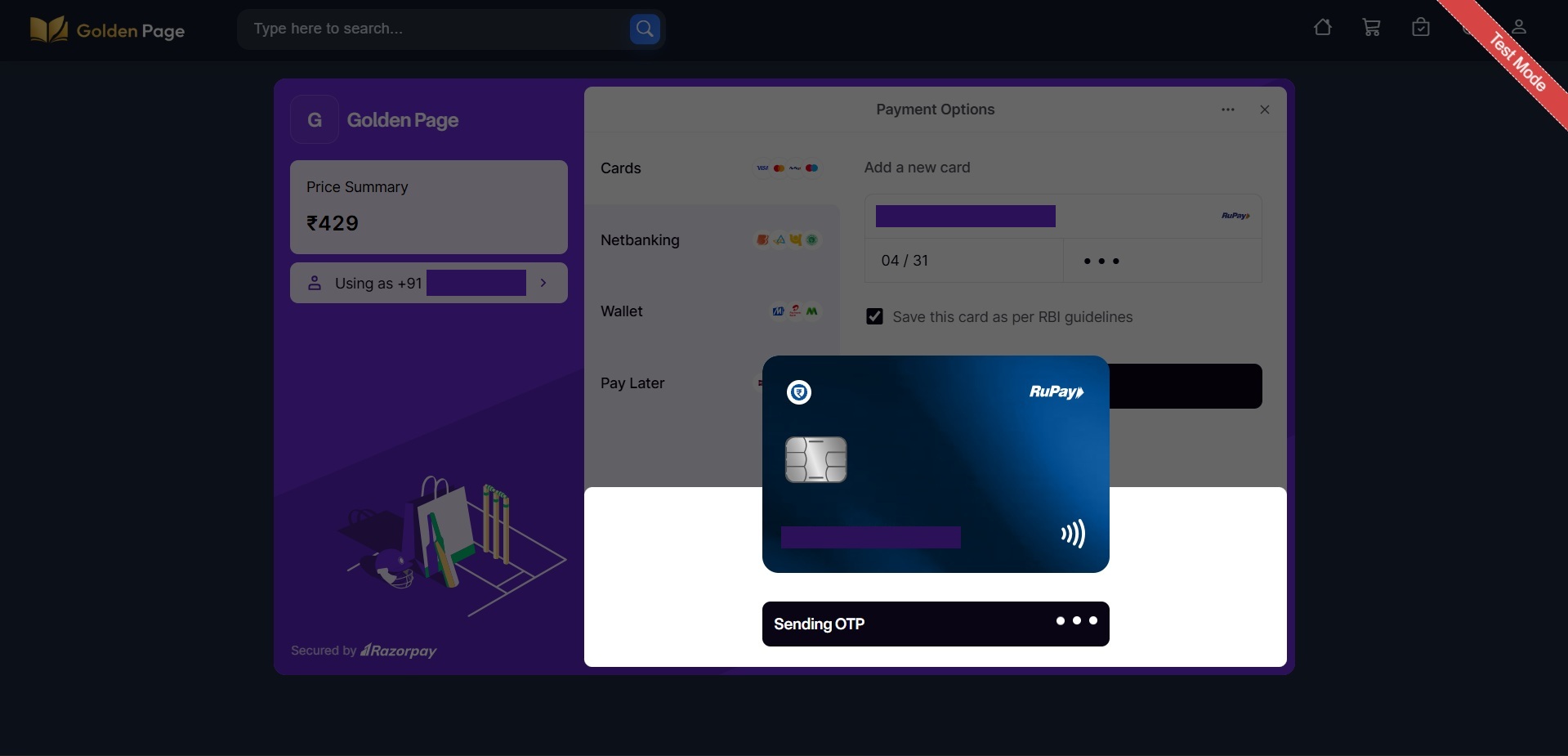
Payment Interface
Users must enter card details for card payment.
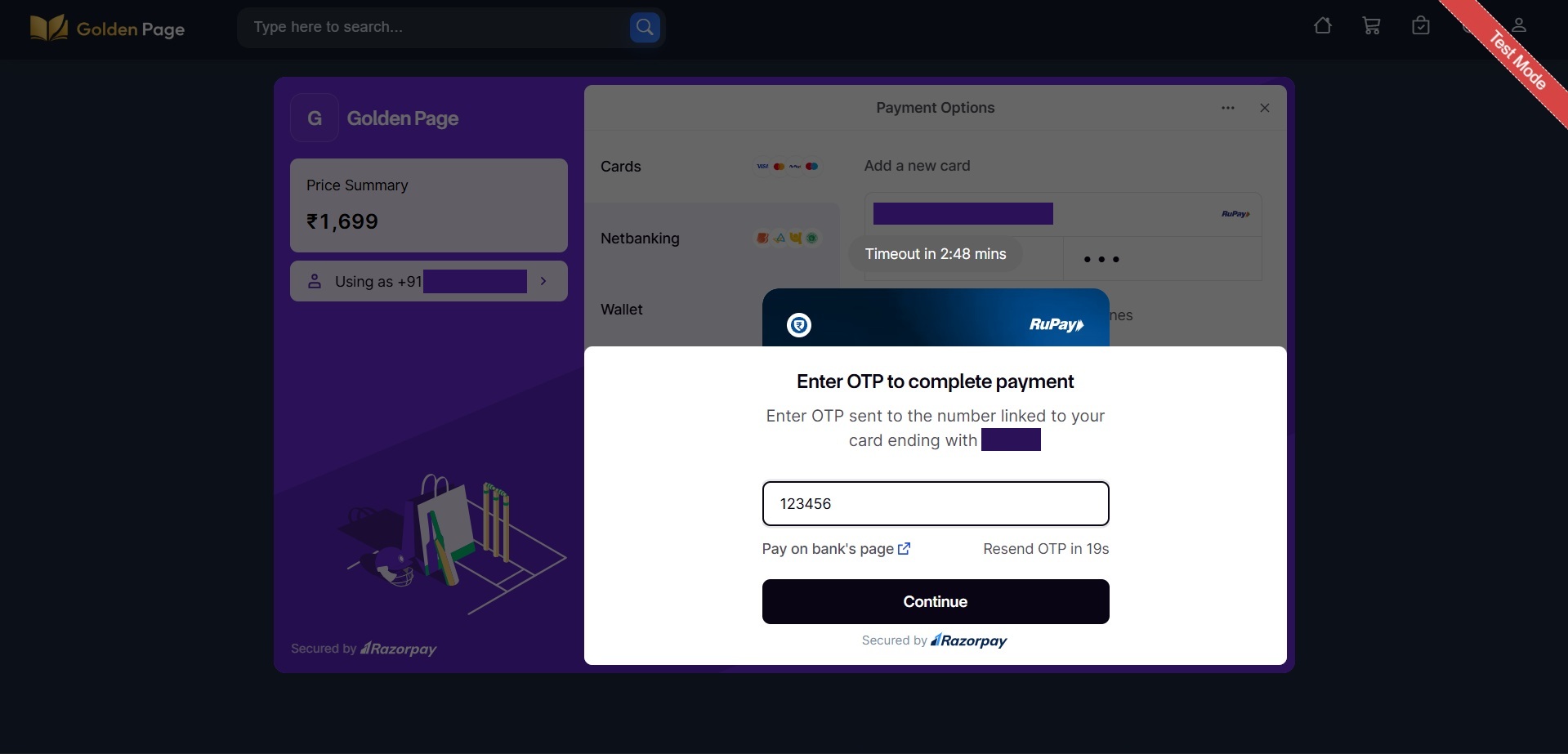
Payment Interface
Users must enter OTP for payment.
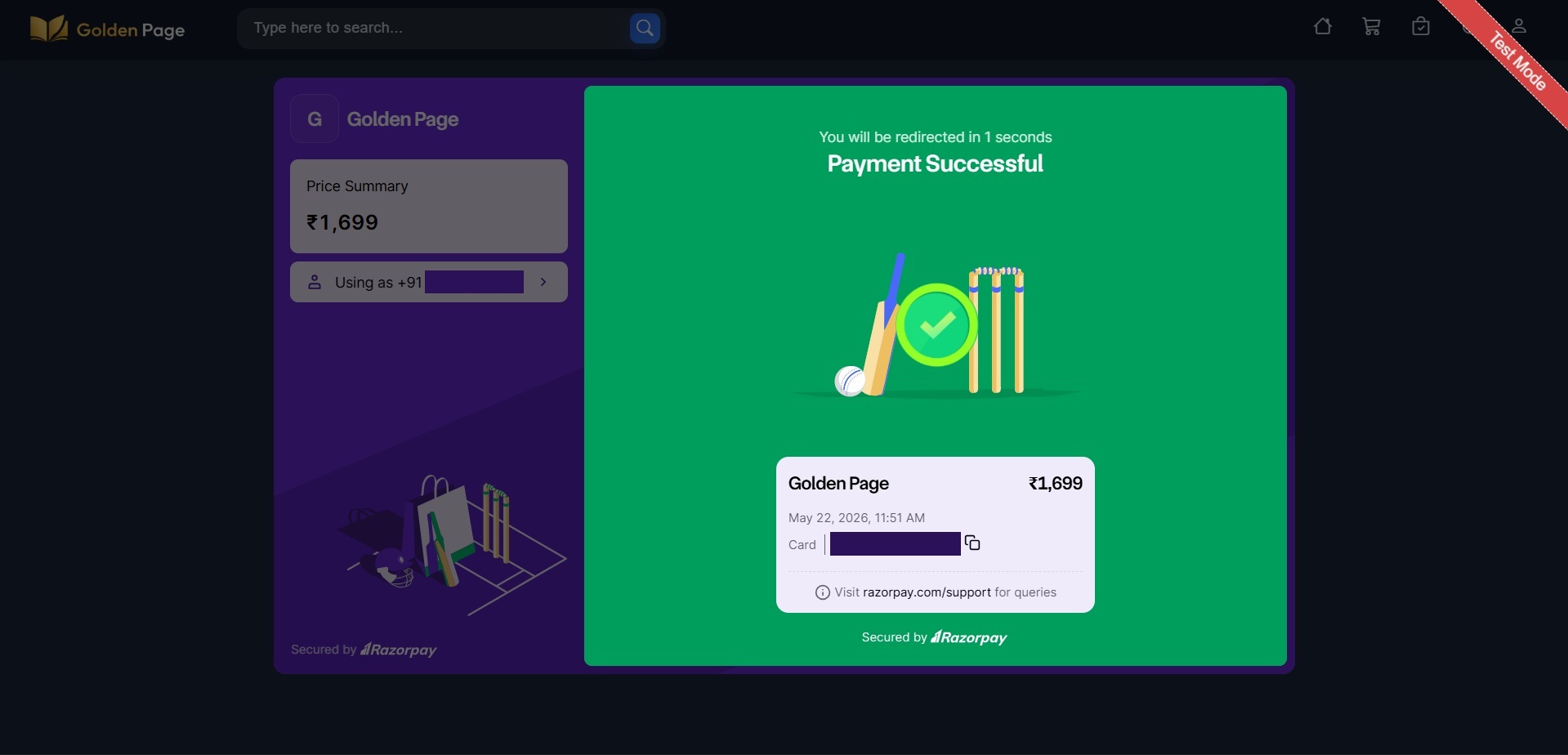
Payment Interface
Payment completed successfully.
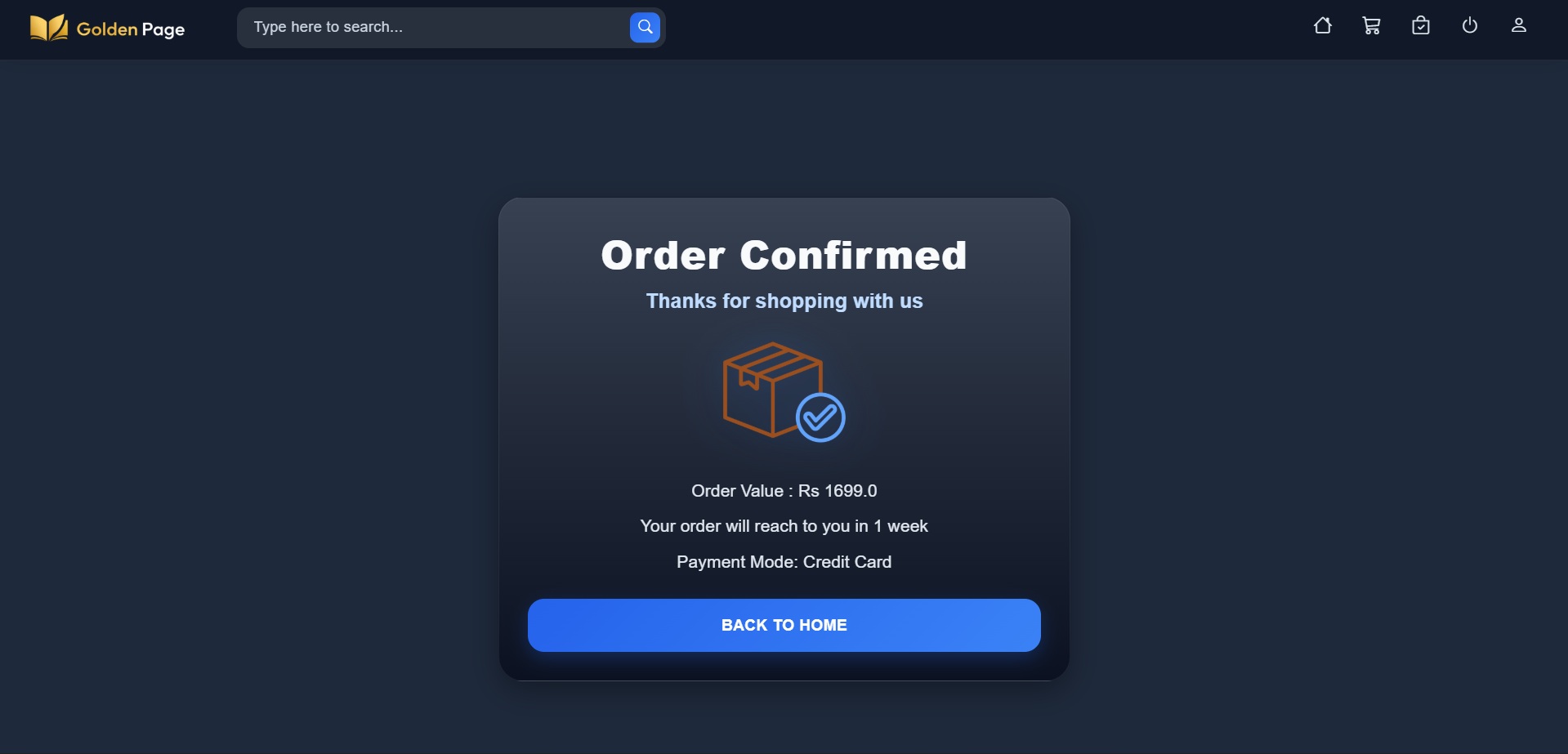
Order Confirmation
Order placed successfully.
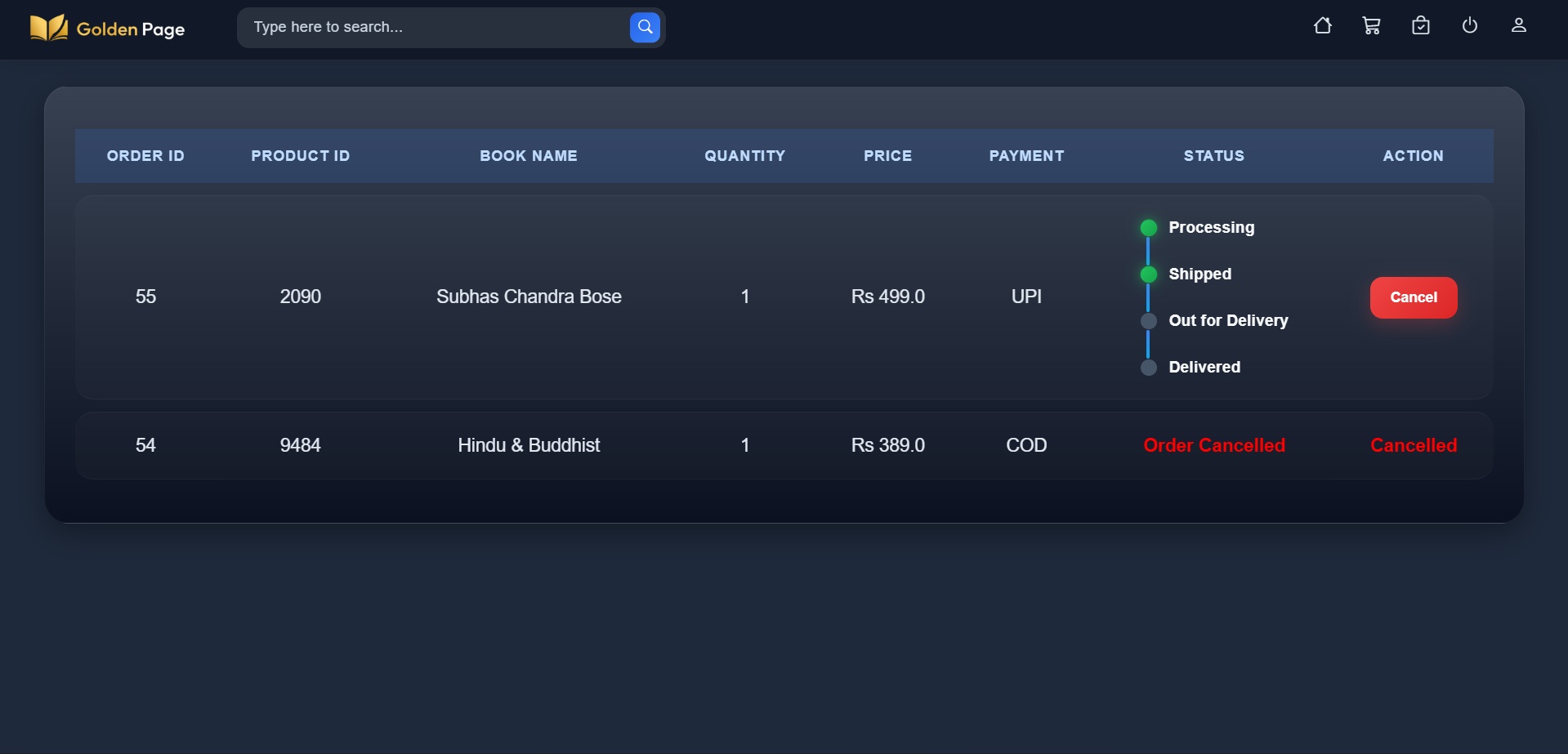
Order Status
Users can view order status and cancel orders if needed.
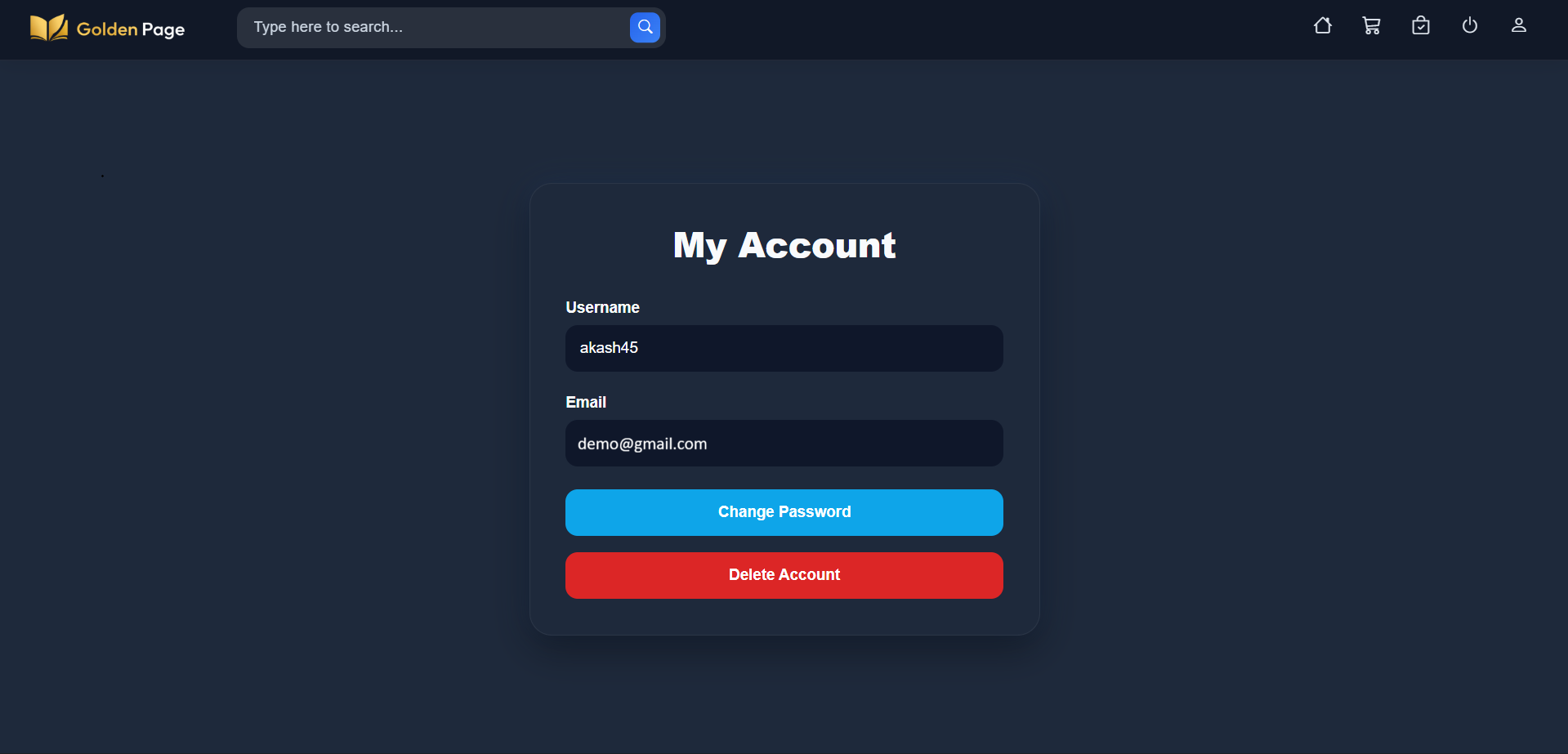
Account Information
Users can view account details, change password and delete account.
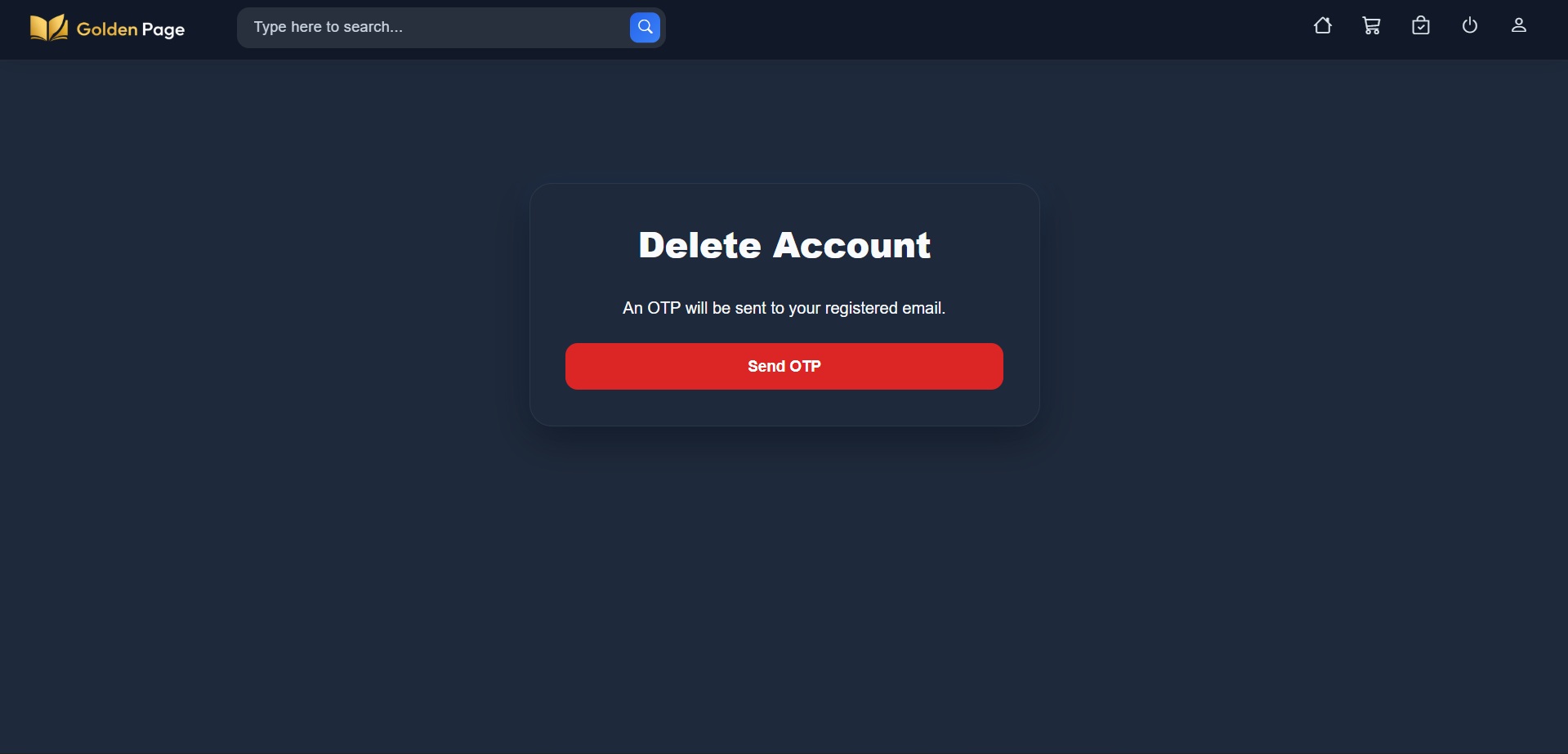
Delete Account
Users can delete their account via OTP verification.
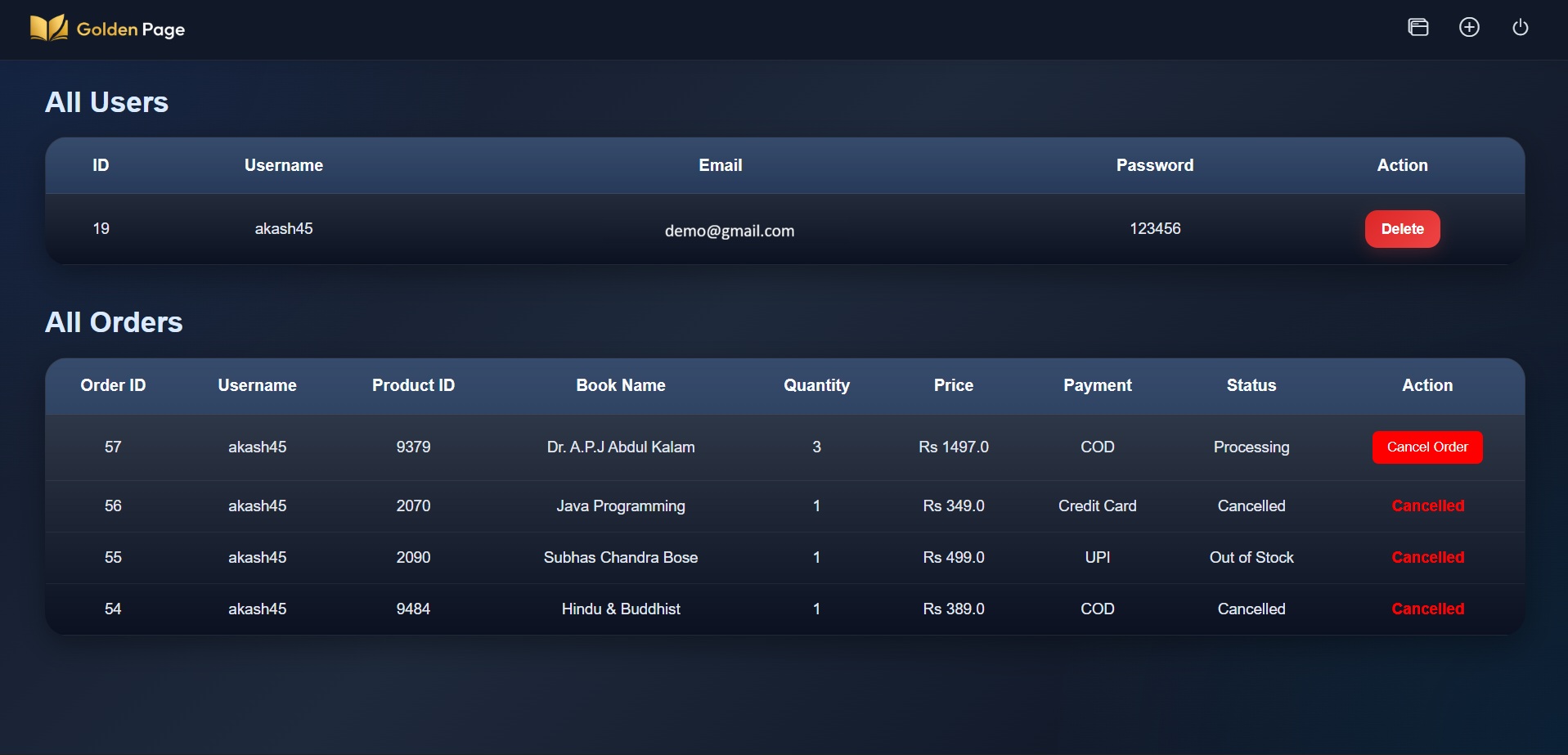
Admin Dashboard
Admin can manage users and their orders.

Add New Book
Admin can add new book by entering book details.
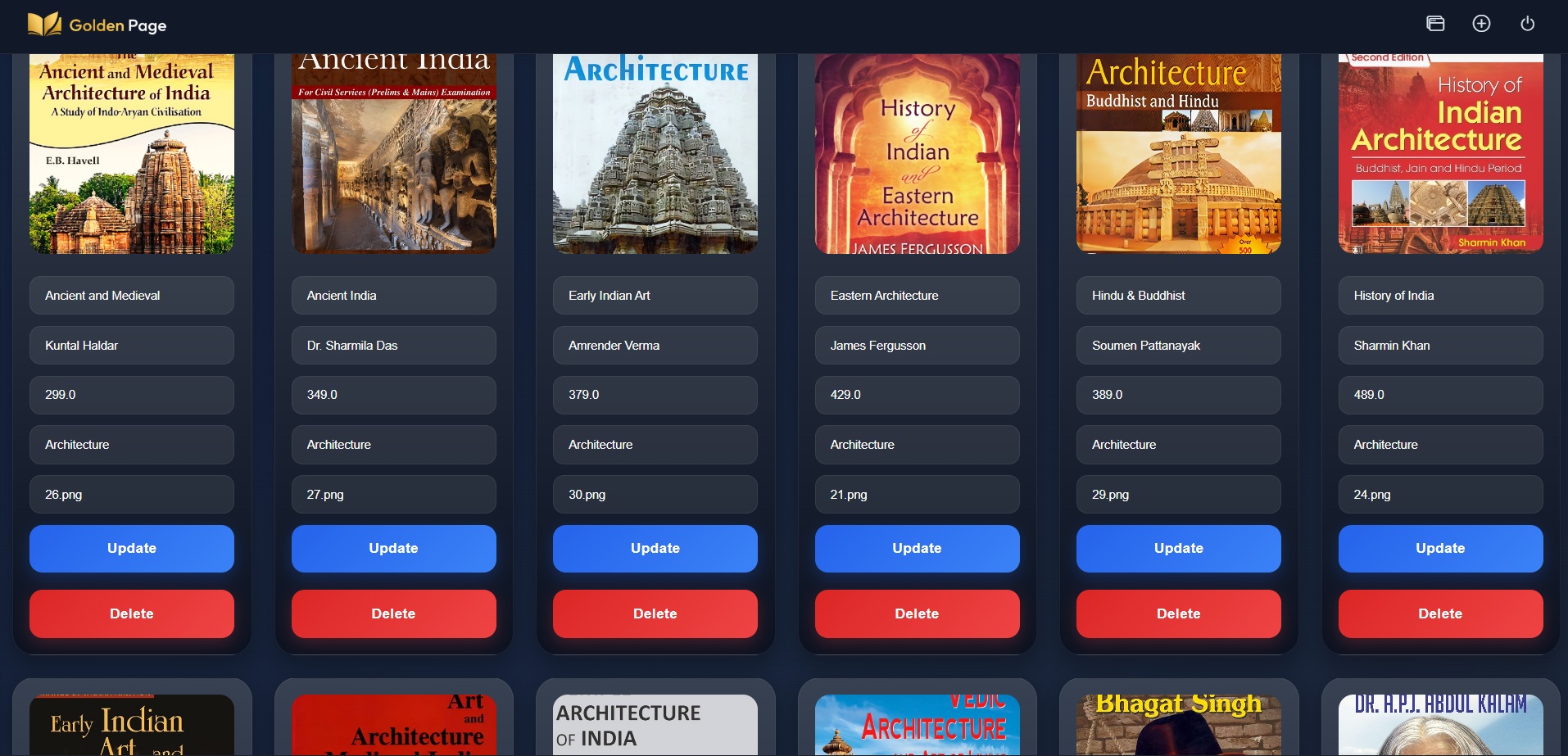
Update Book
Admin can modify existing books details.
Mobile Gallery
20 Portrait Images
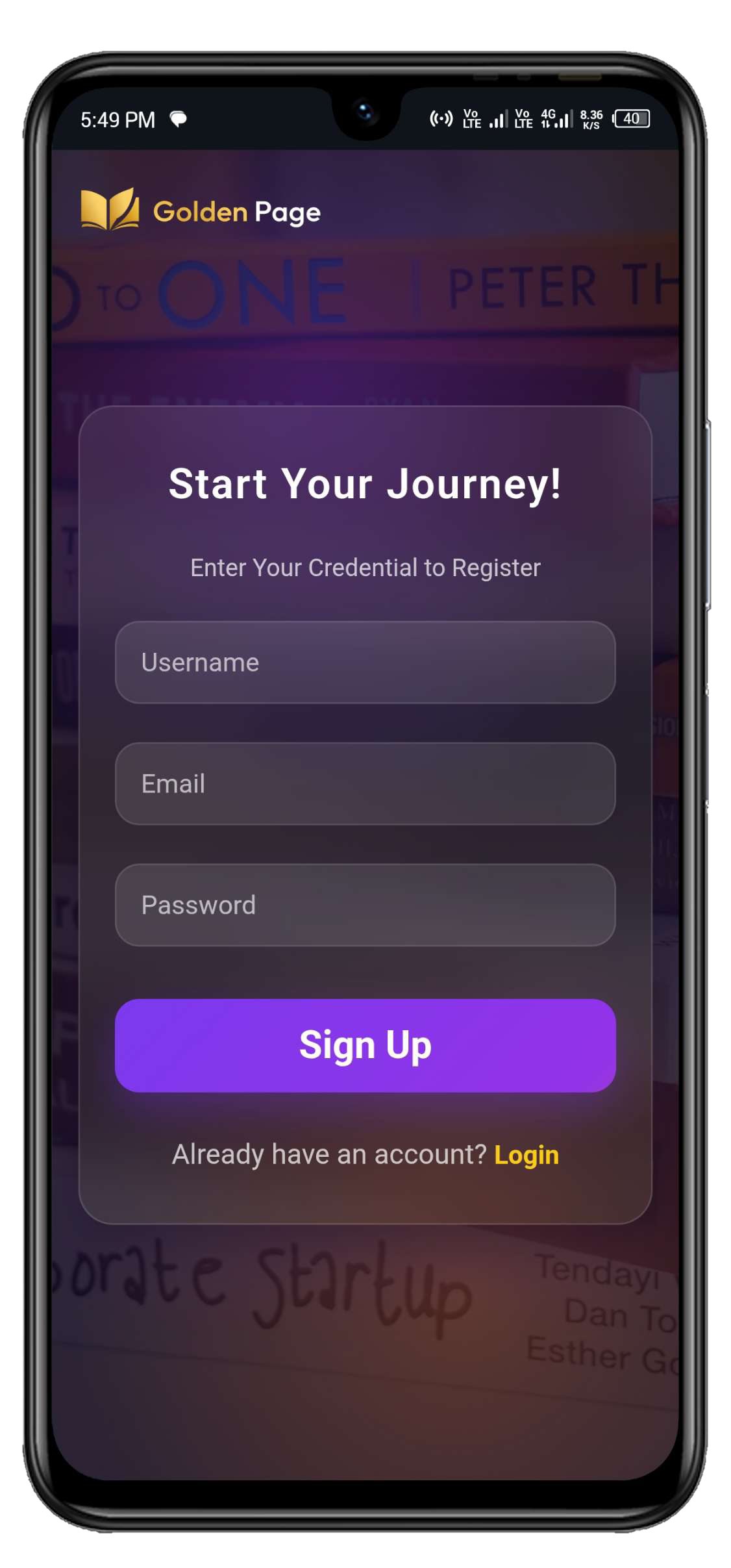
Sign Up
Image 01
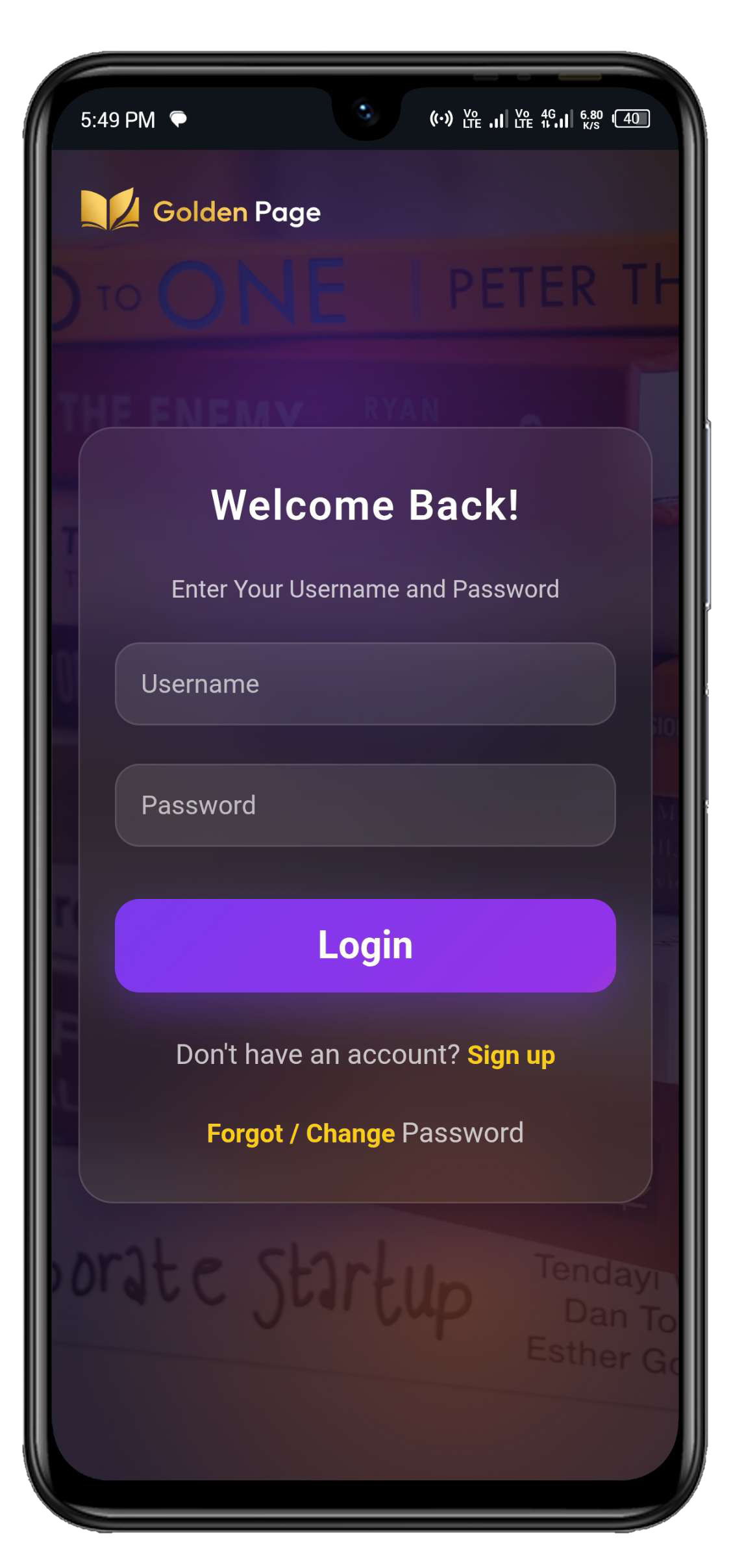
User Login
Image 02
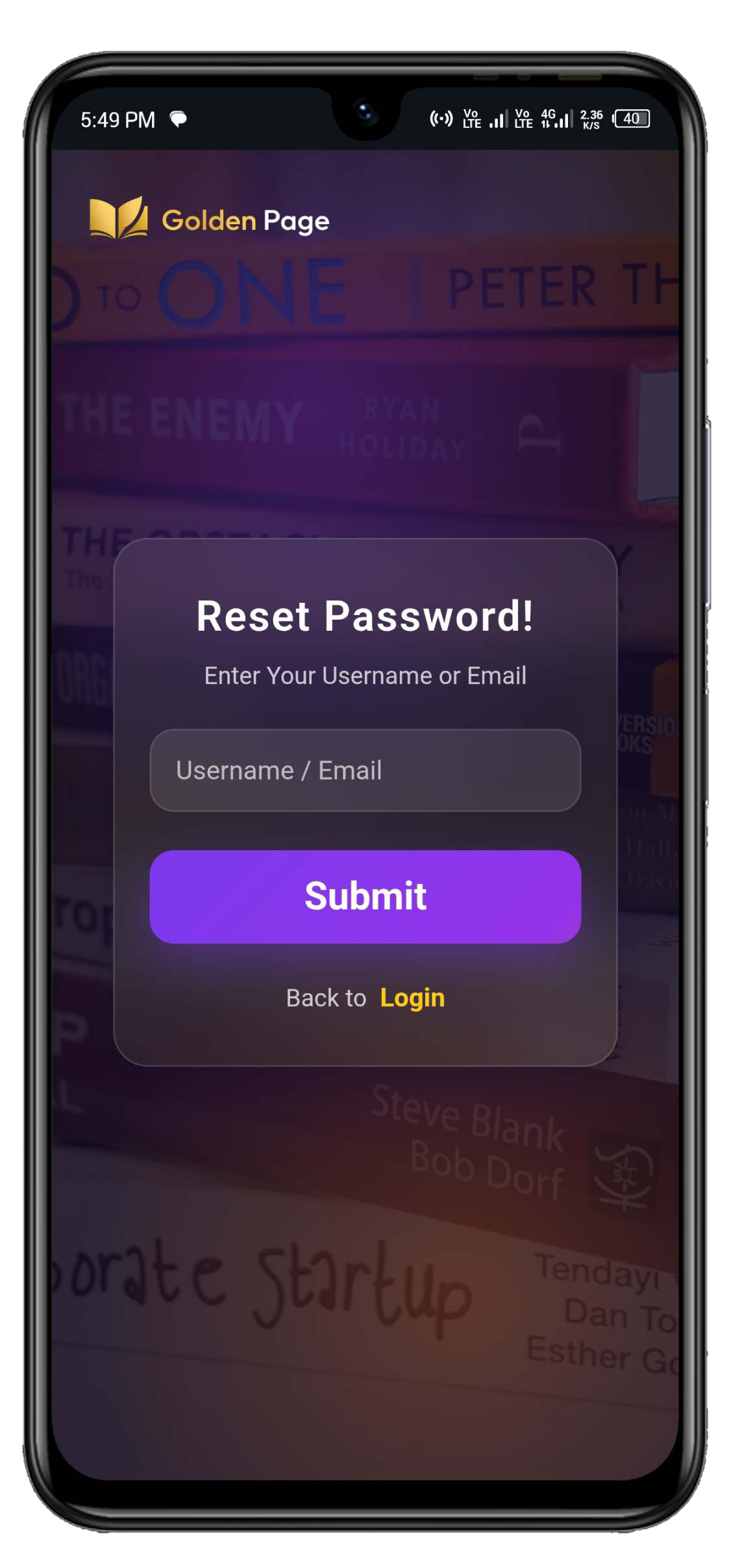
Reset Password
Image 03
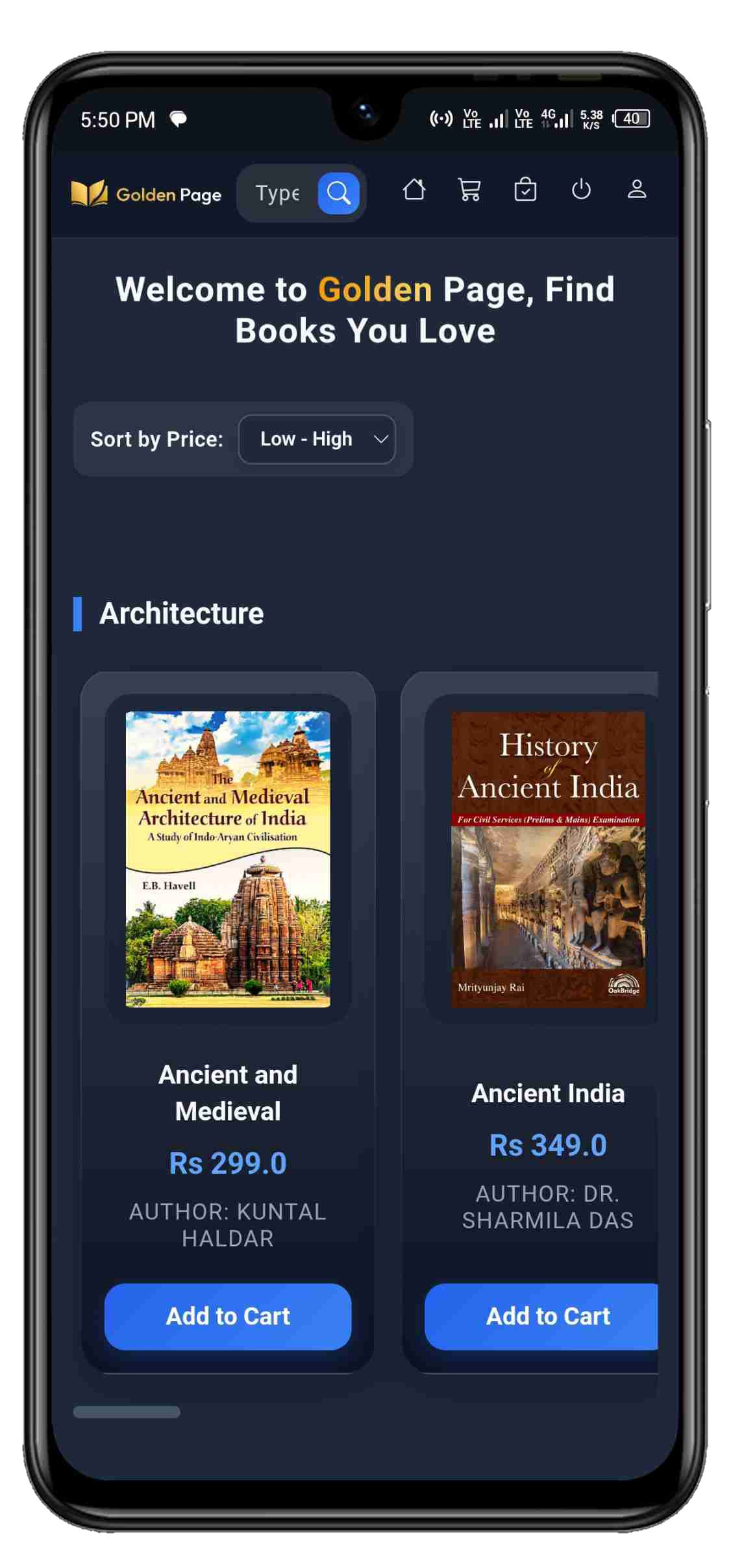
User Dashboard
Image 04

User Dashboard
Image 05
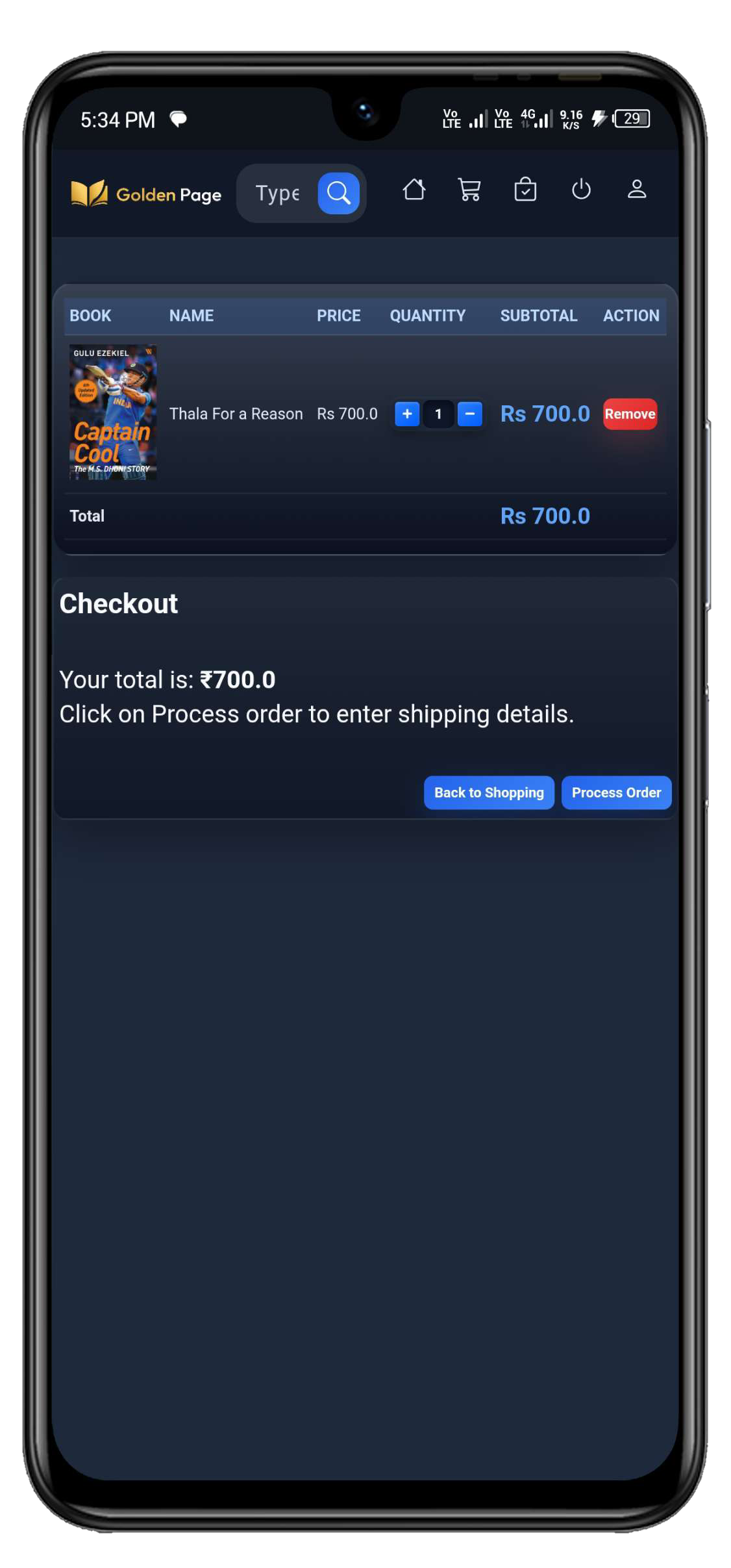
Add to Cart
Image 06
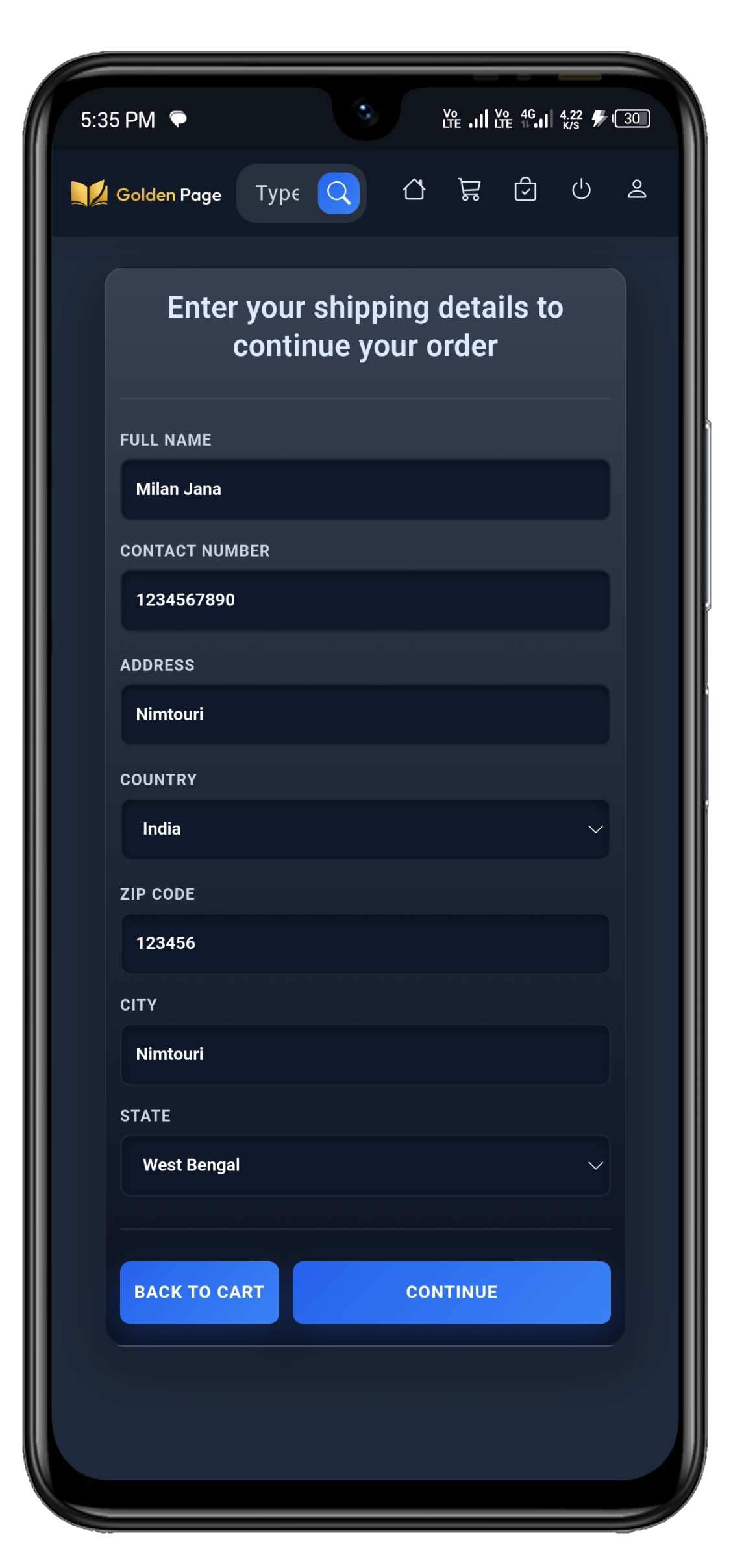
Shipping Details
Image 07
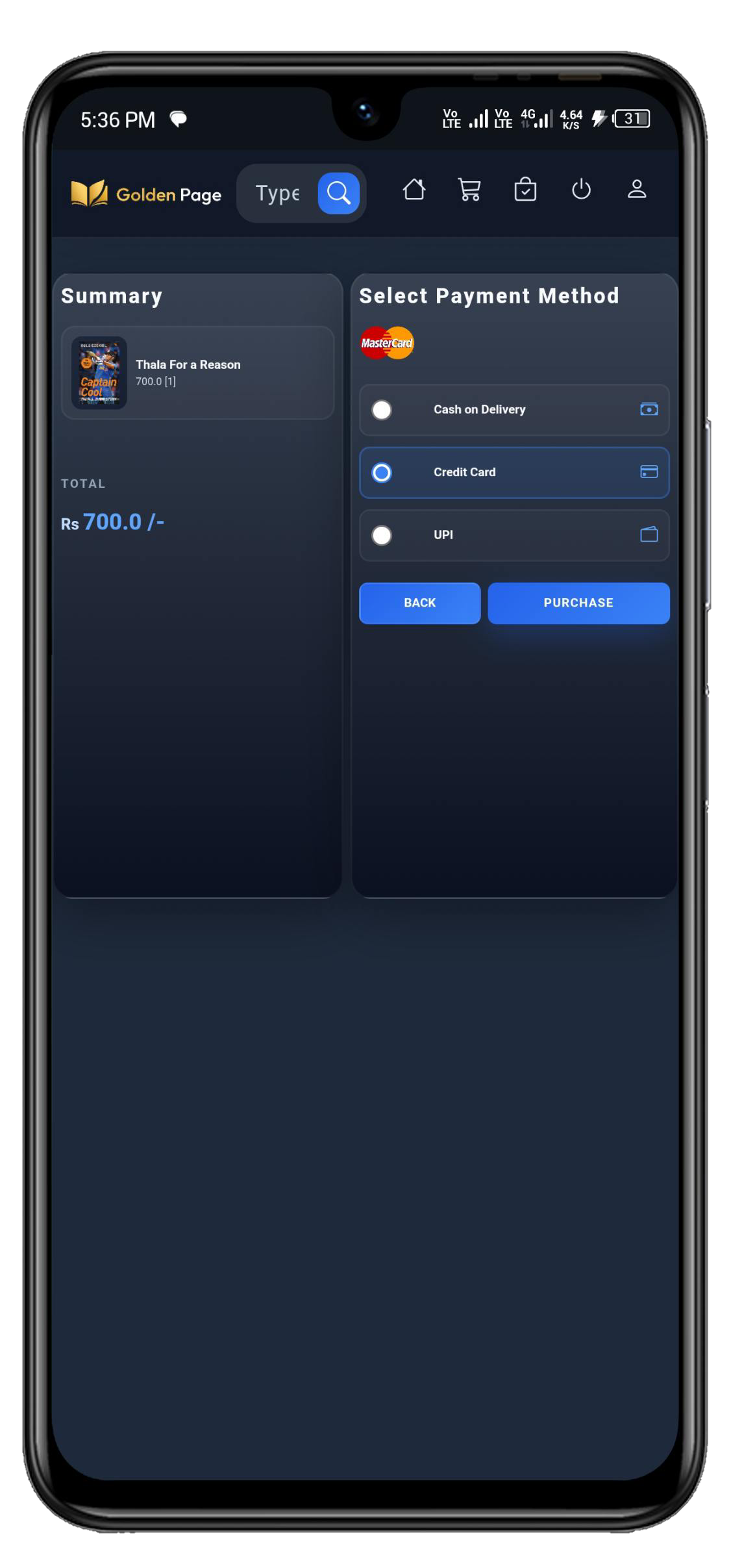
Payment Method
Image 08

Payment Interface
Image 09
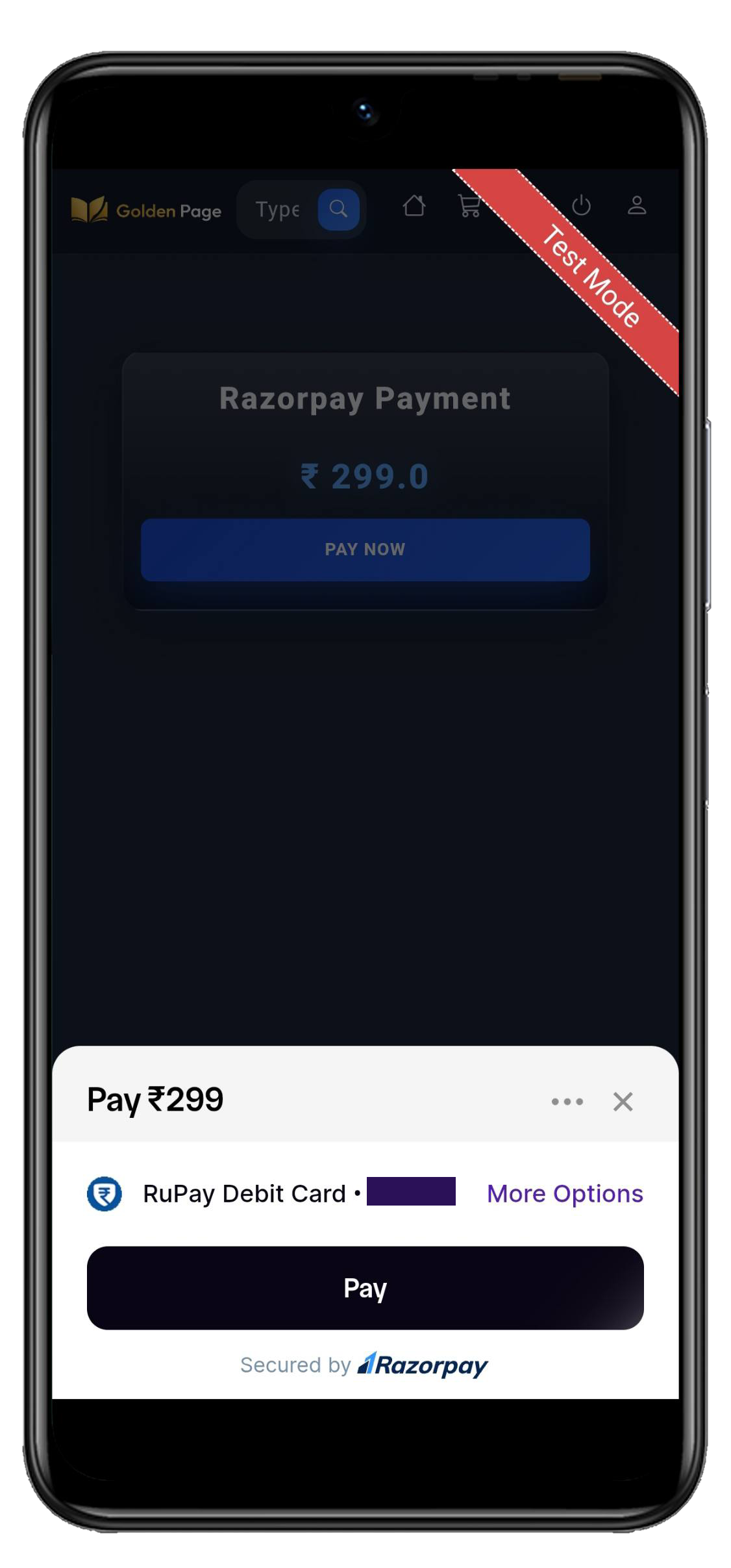
Payment Interface
Image 10
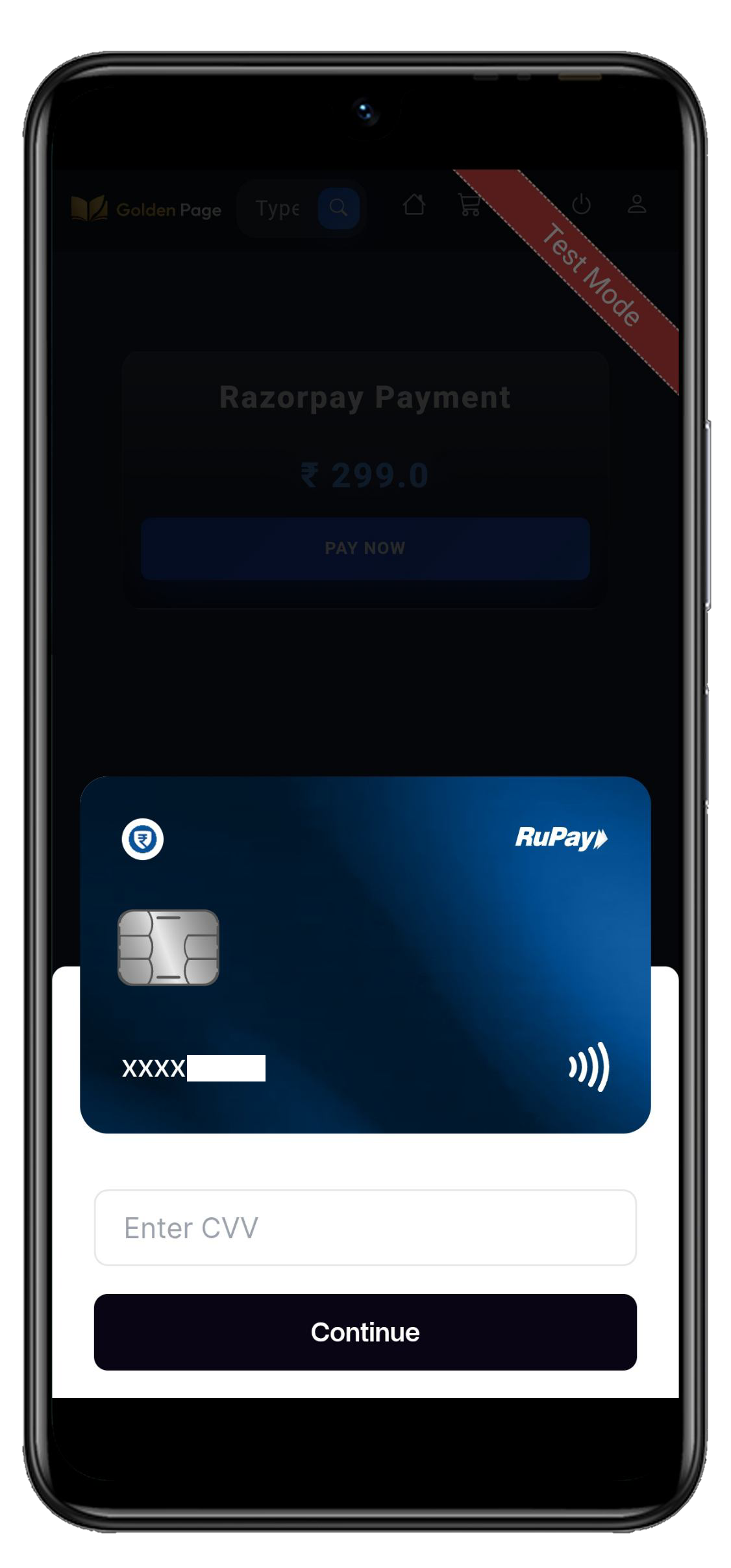
Payment Interface
Image 11
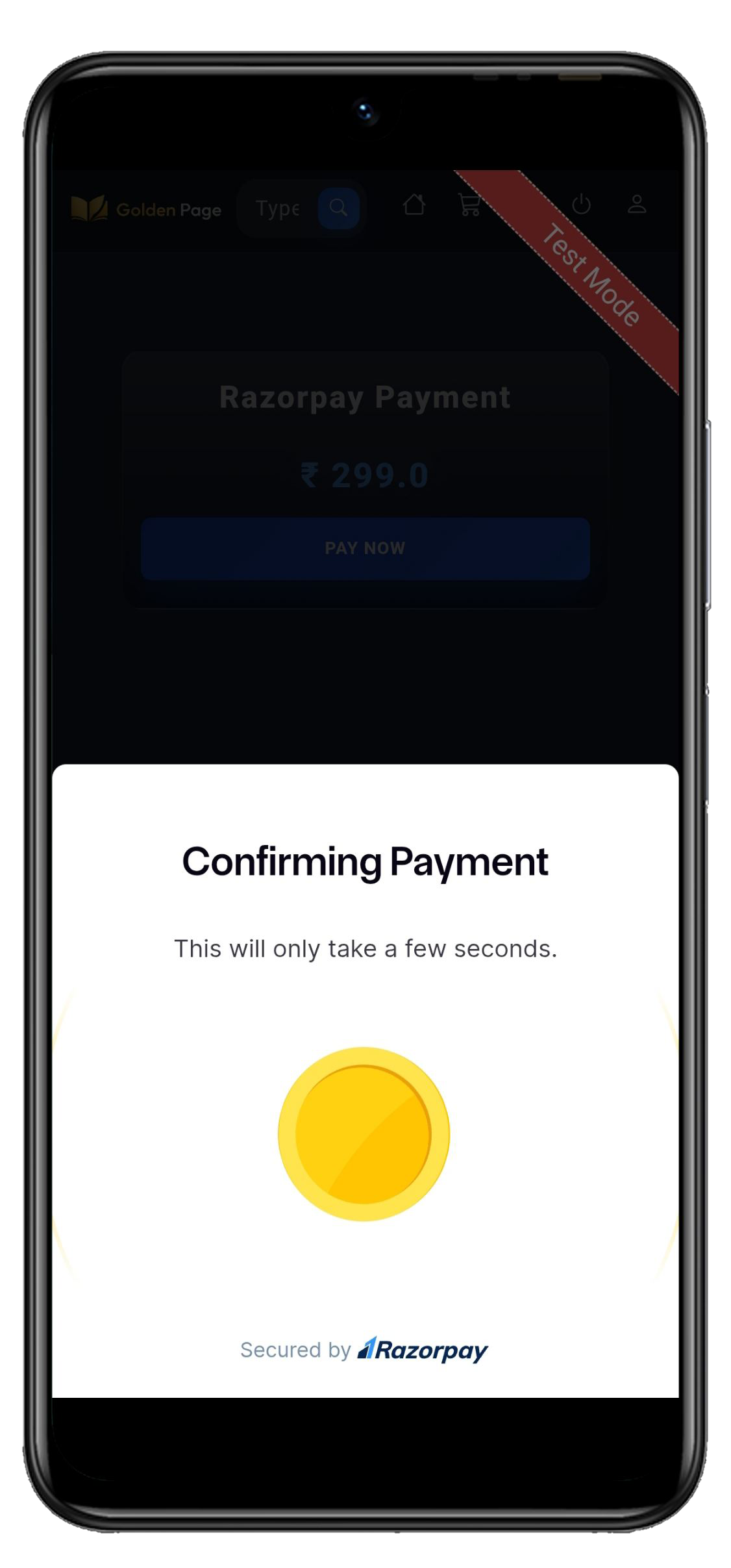
Payment Interface
Image 12
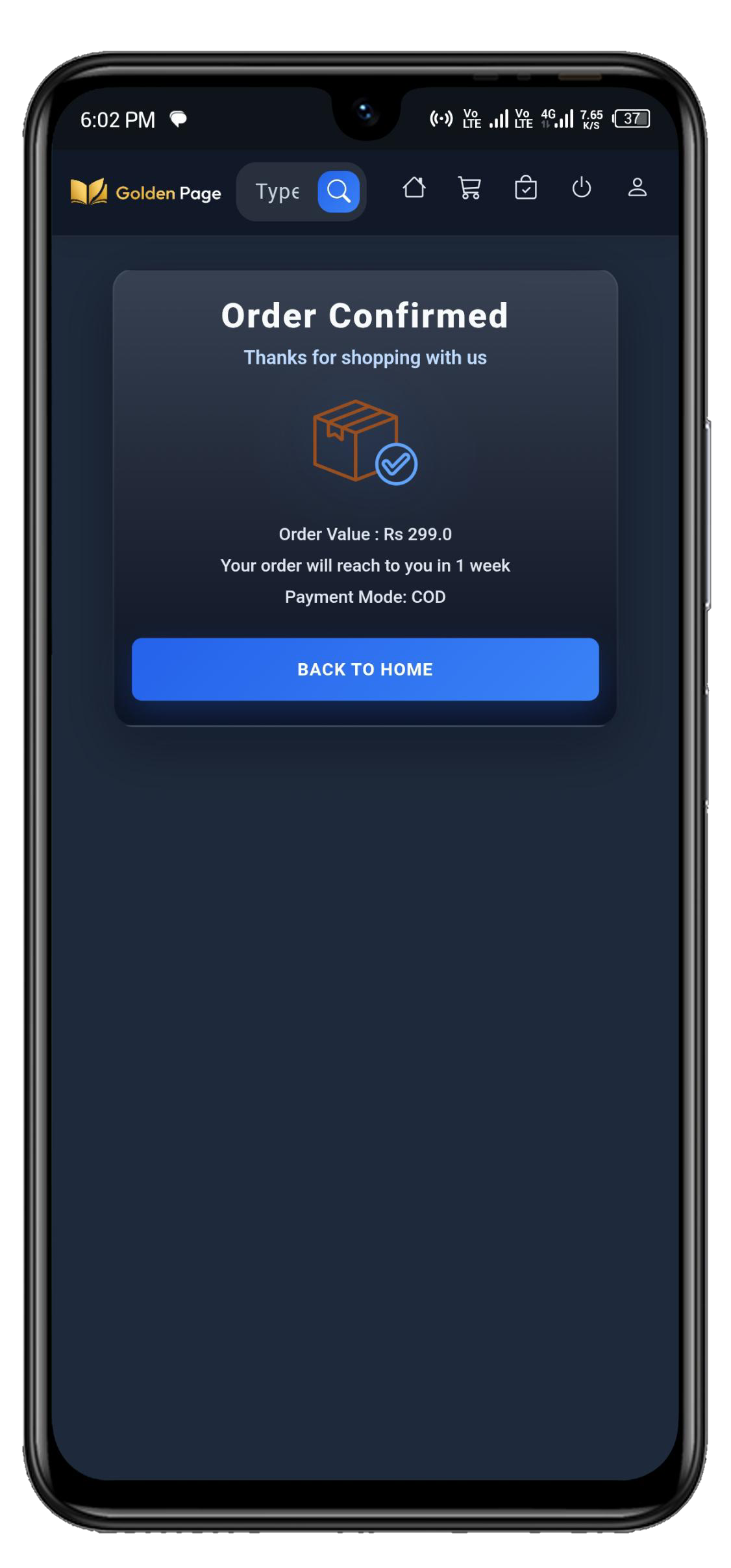
Order Confirmation
Image 13
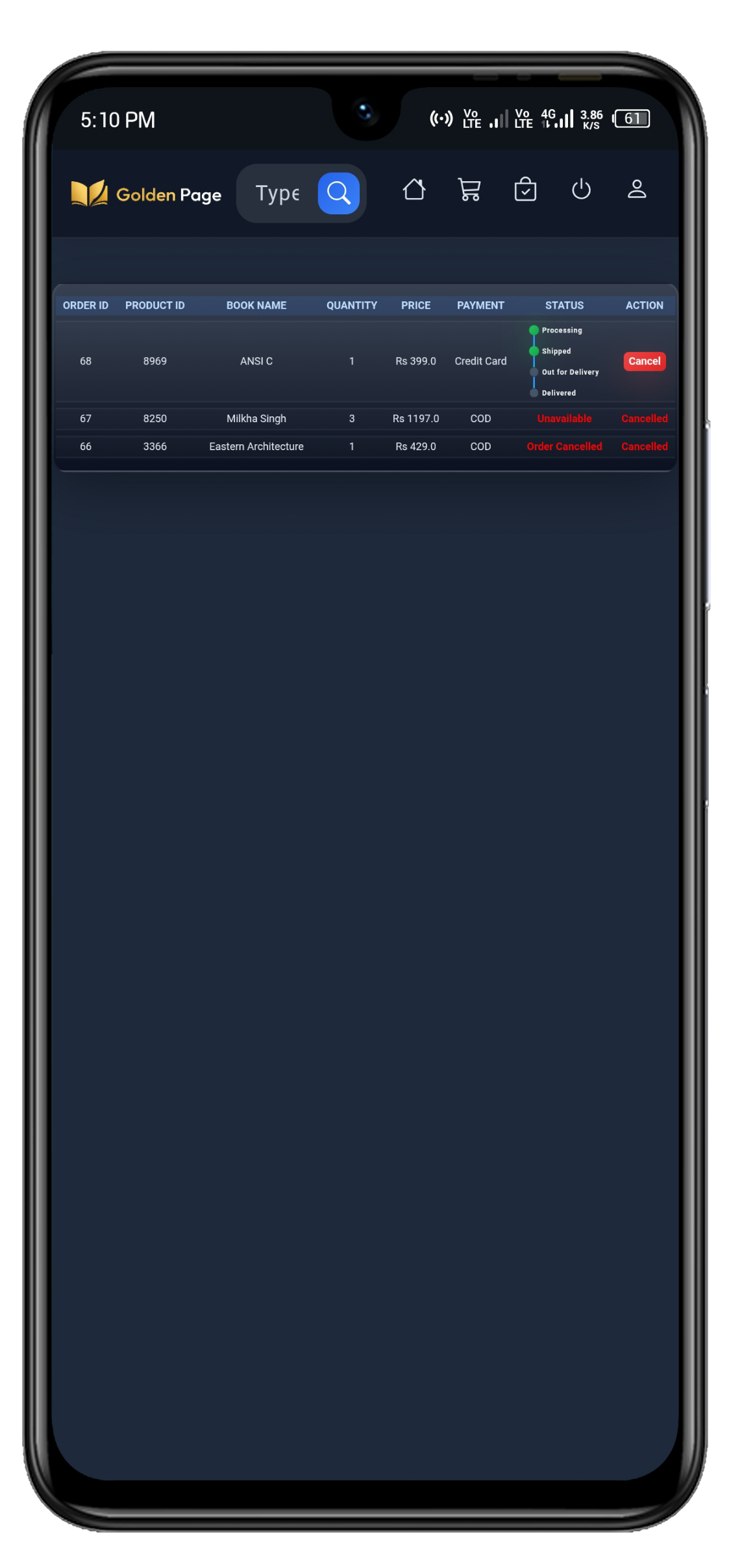
Order Status
Image 14
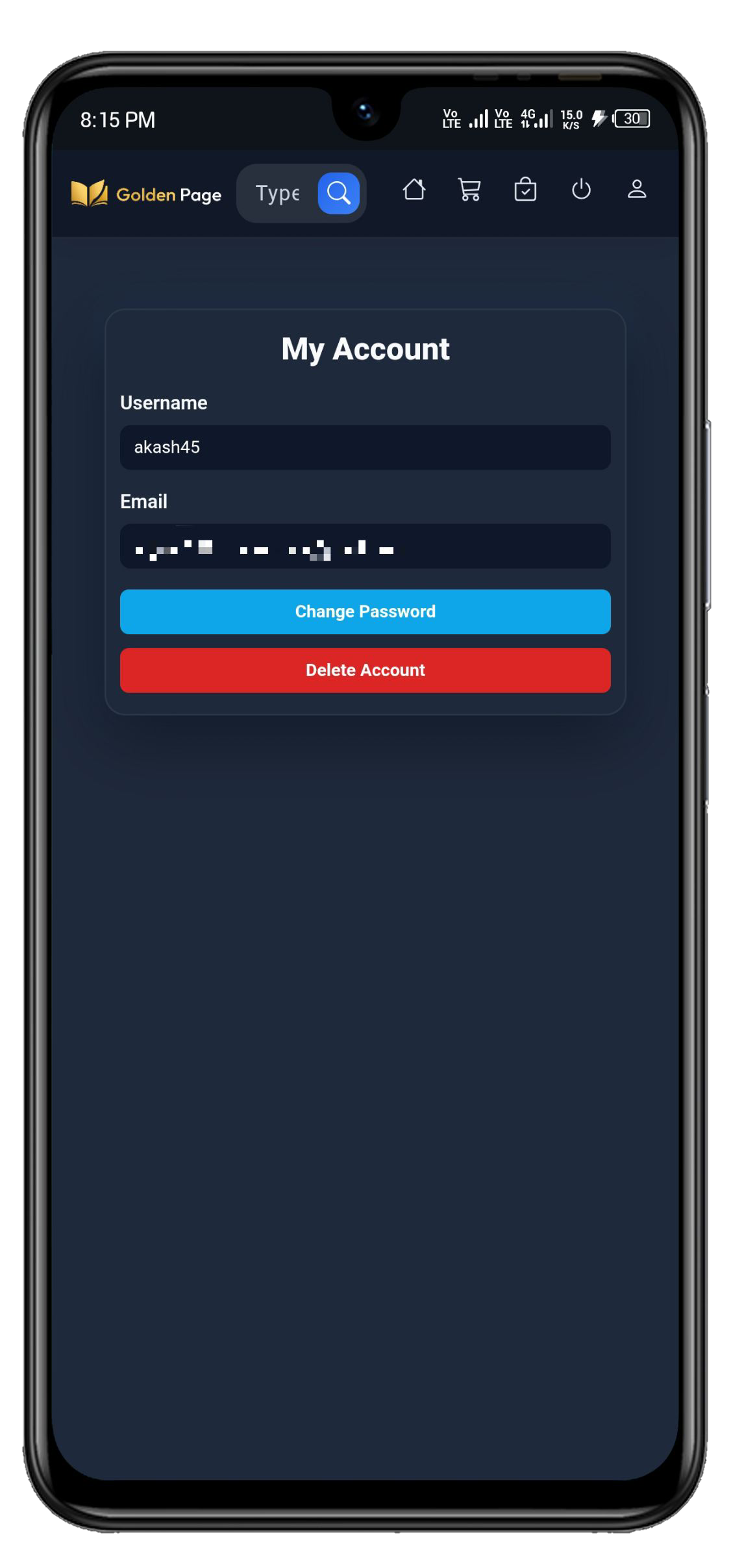
Account Information
Image 15
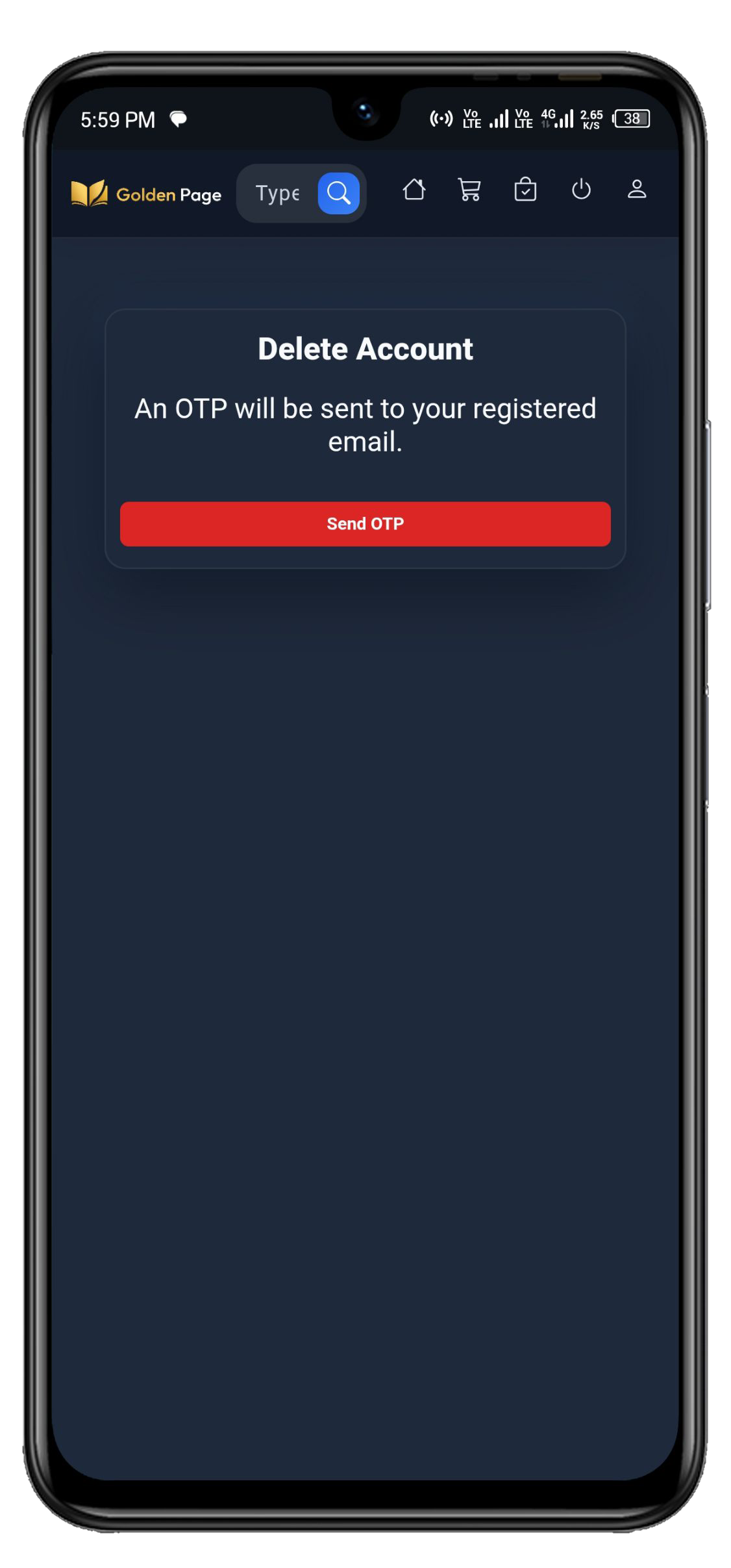
Delete Account
Image 16
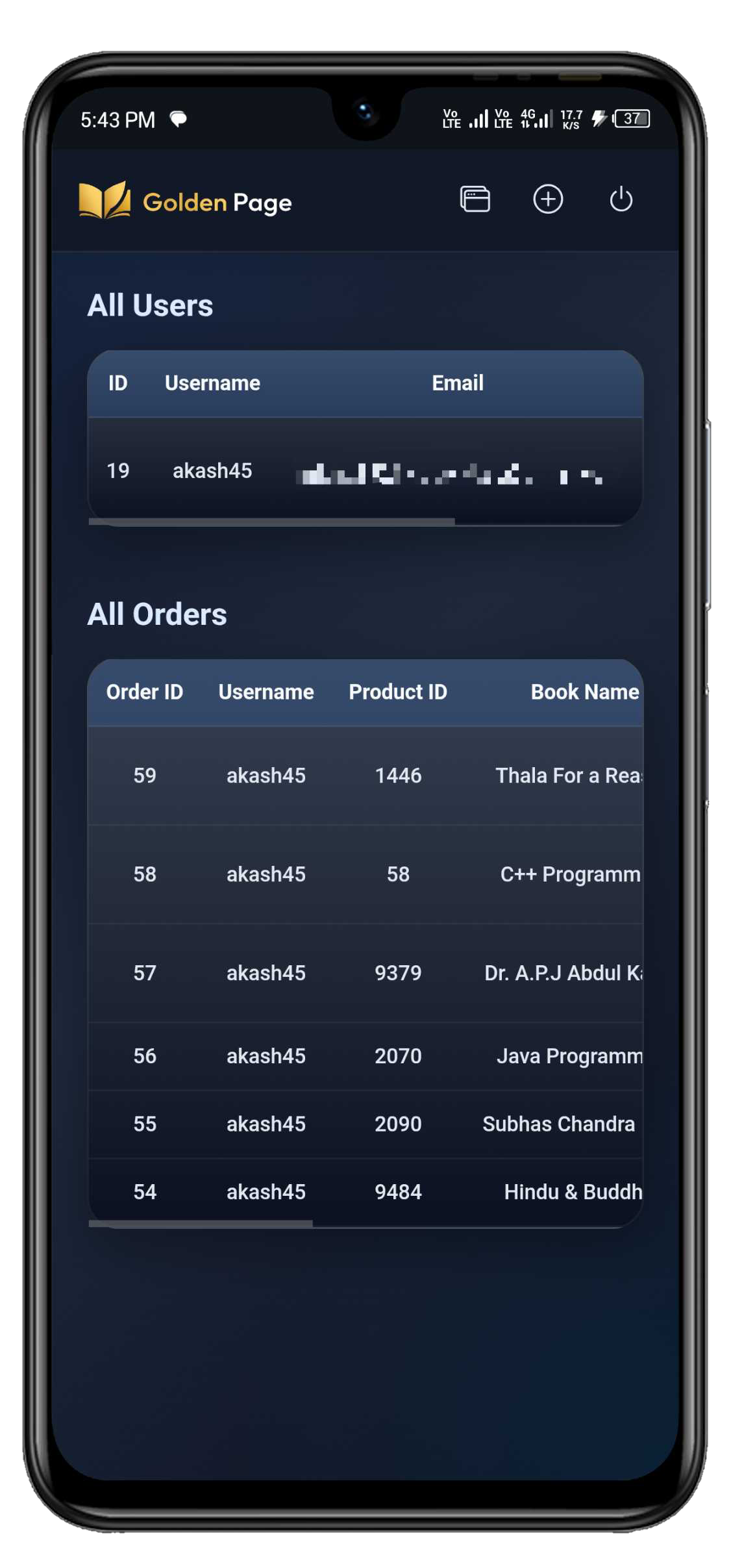
Admin Dashboard
Image 17
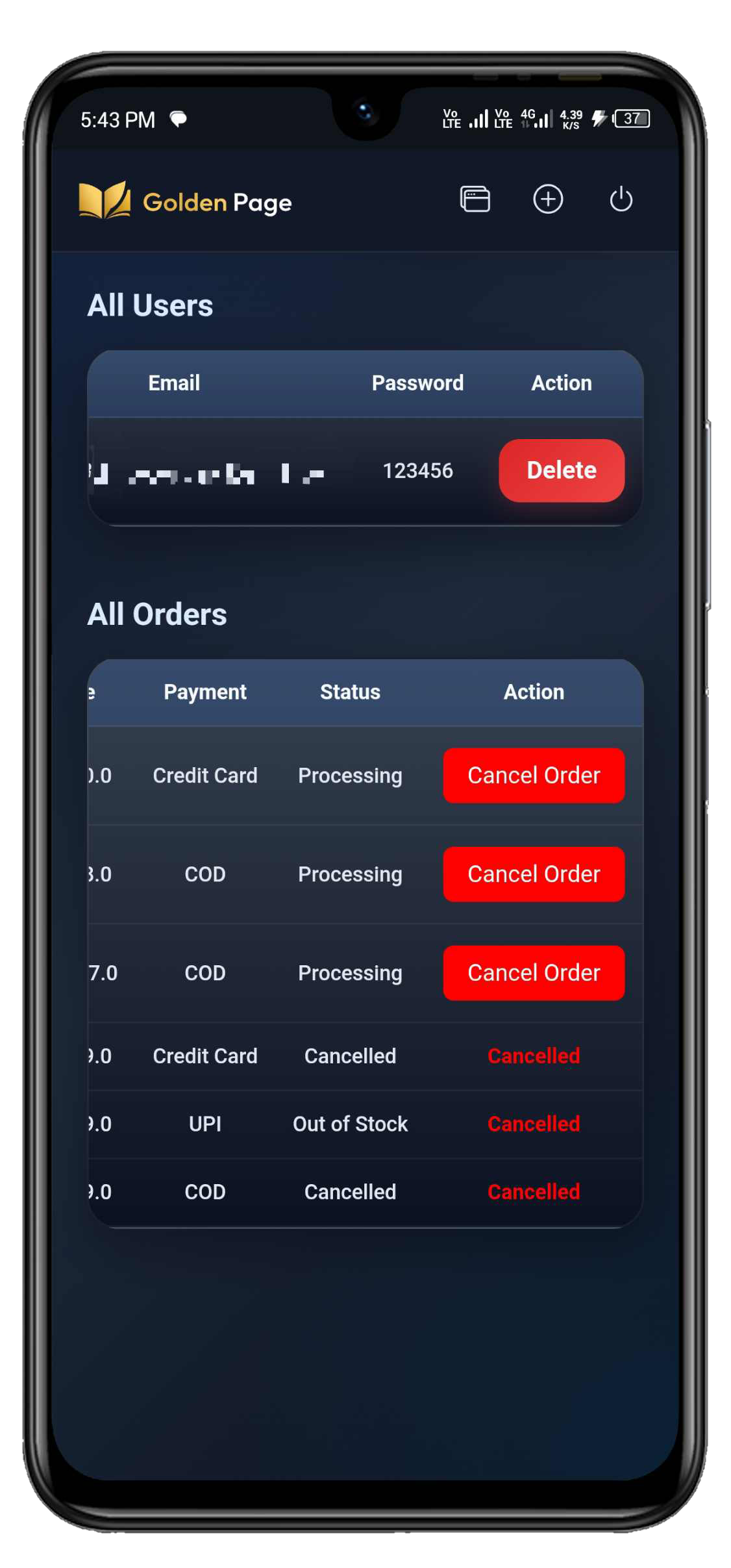
Admin Dashboard
Image 18
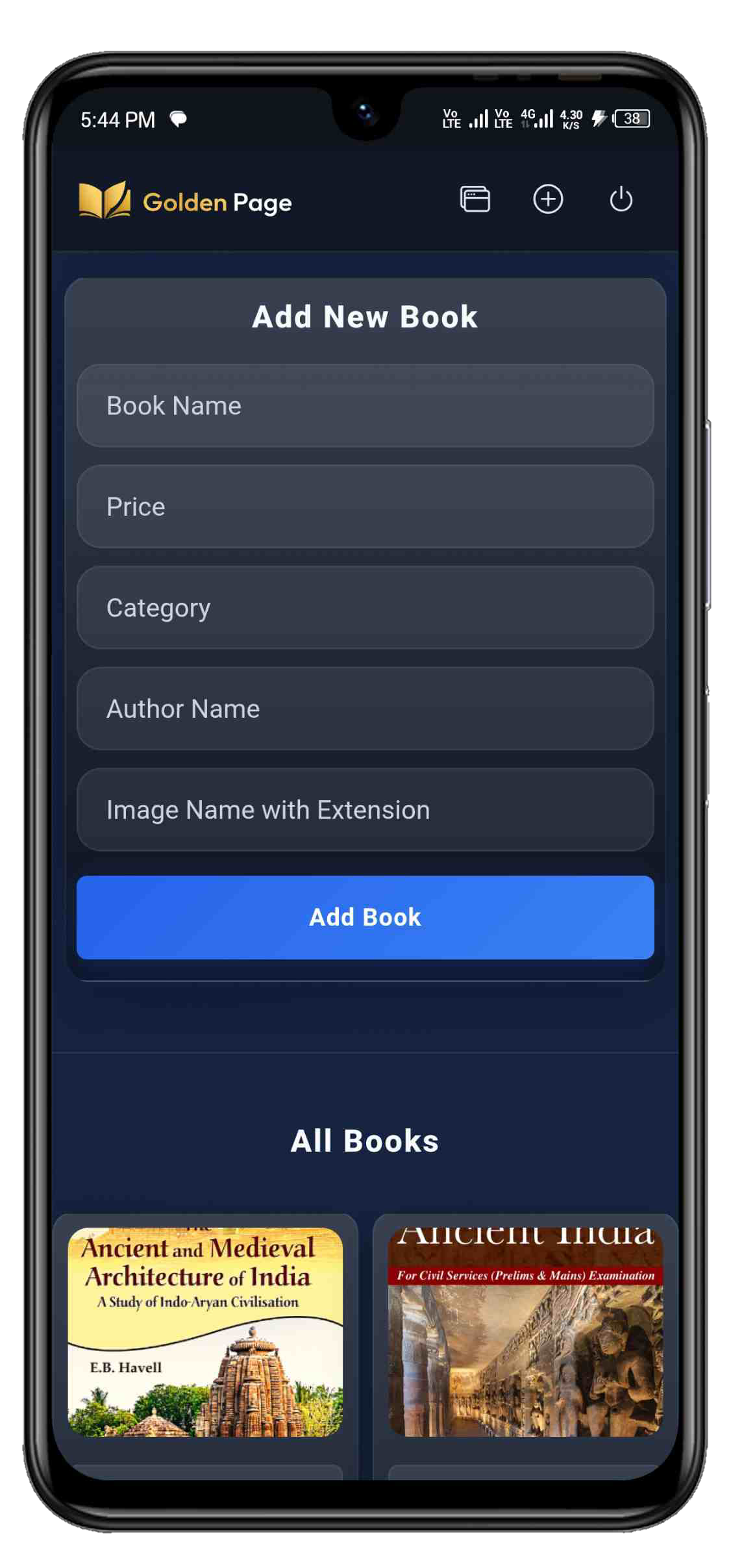
Add New Book
Image 19
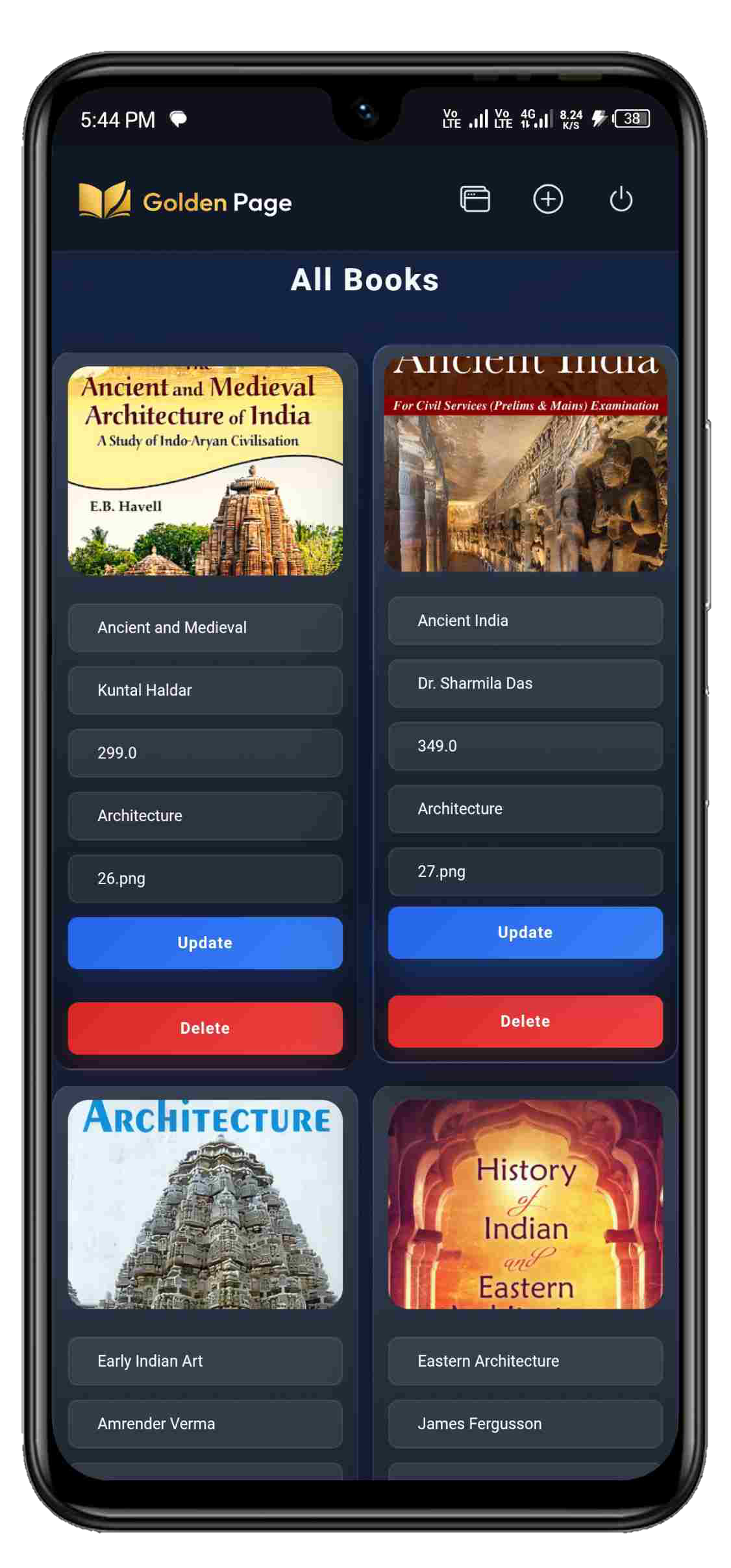
Update Book
Image 20
Database Models
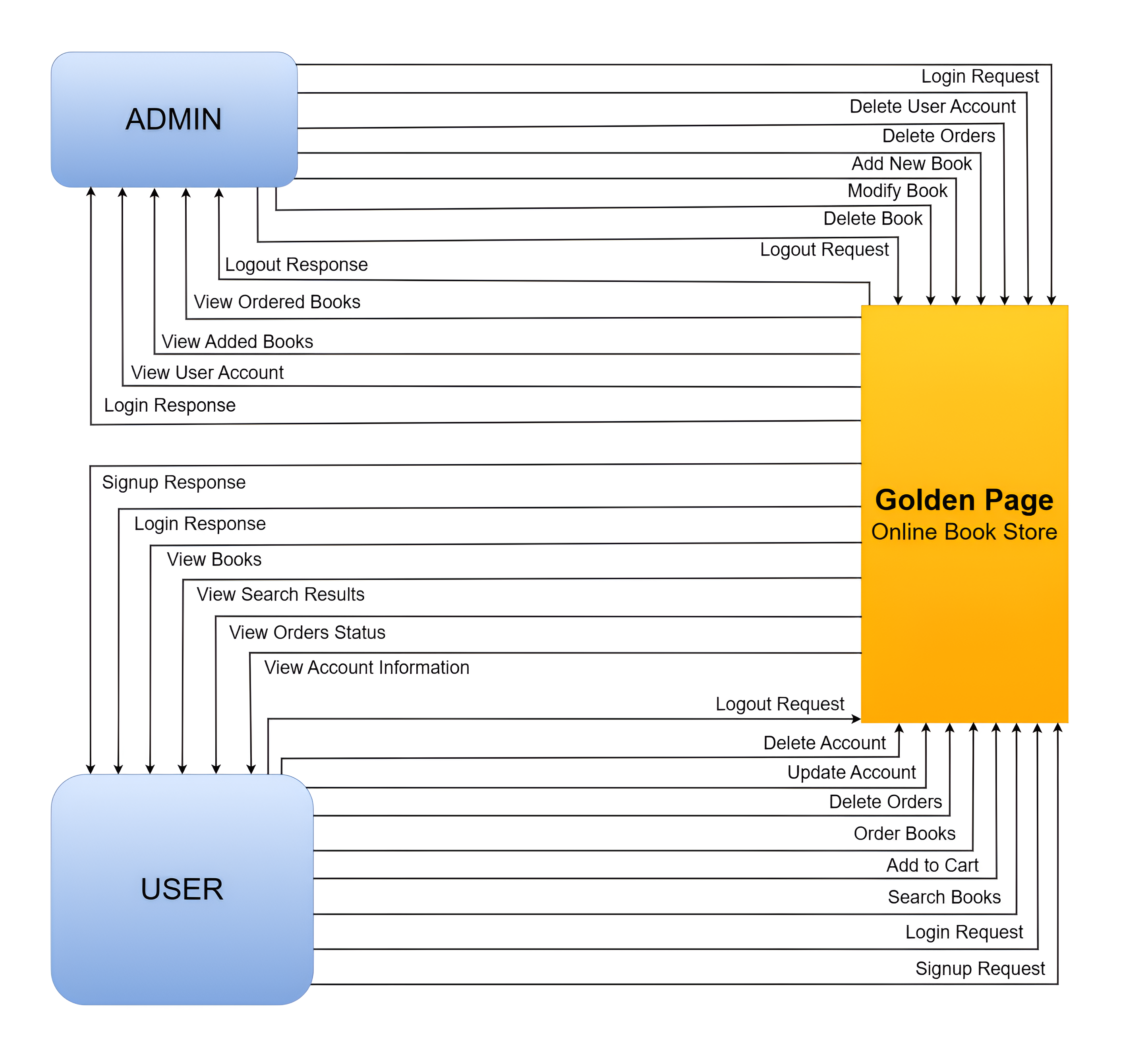
Level 0 DFD Model
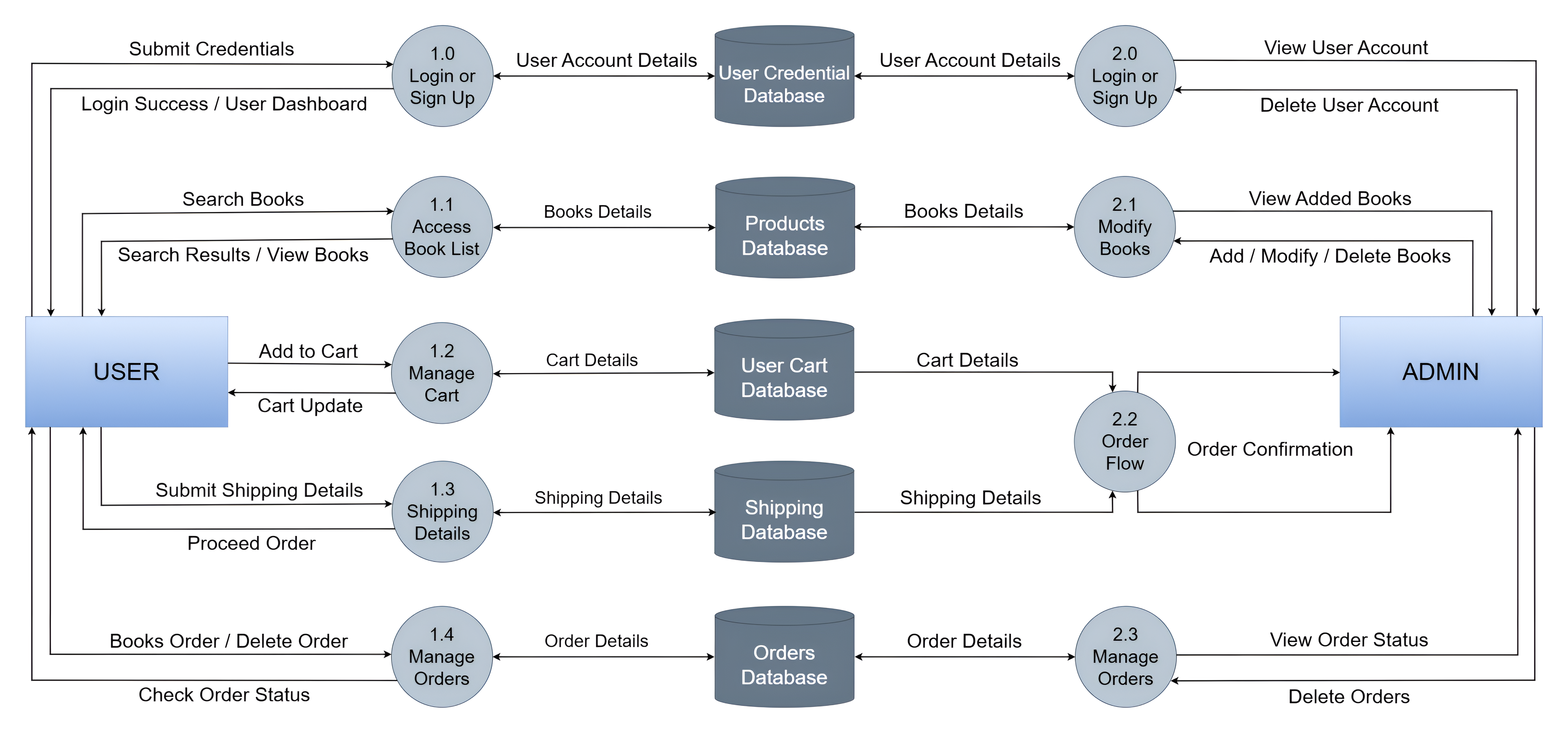
Level 1 DFD Model
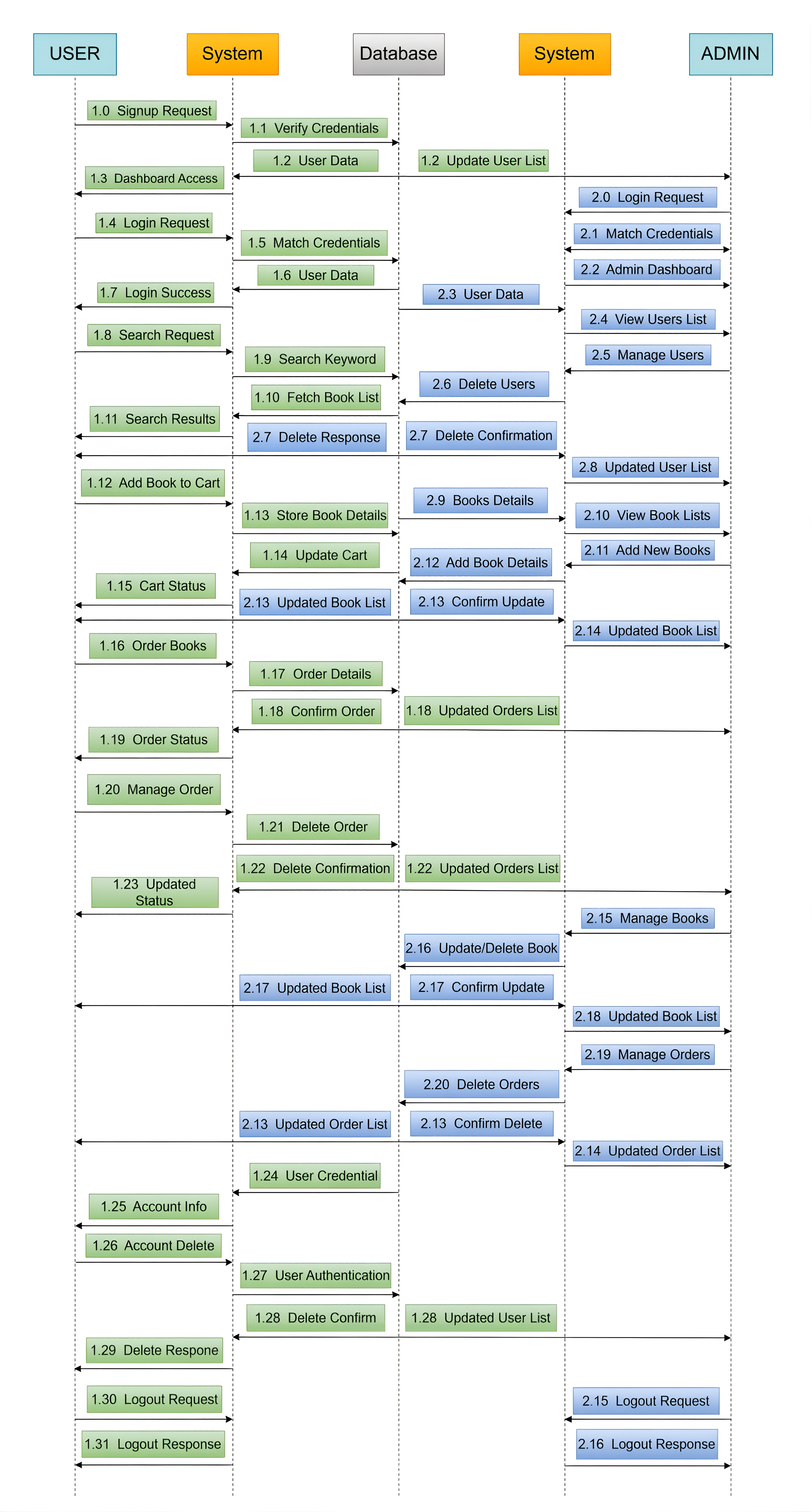
Sequence Diagram
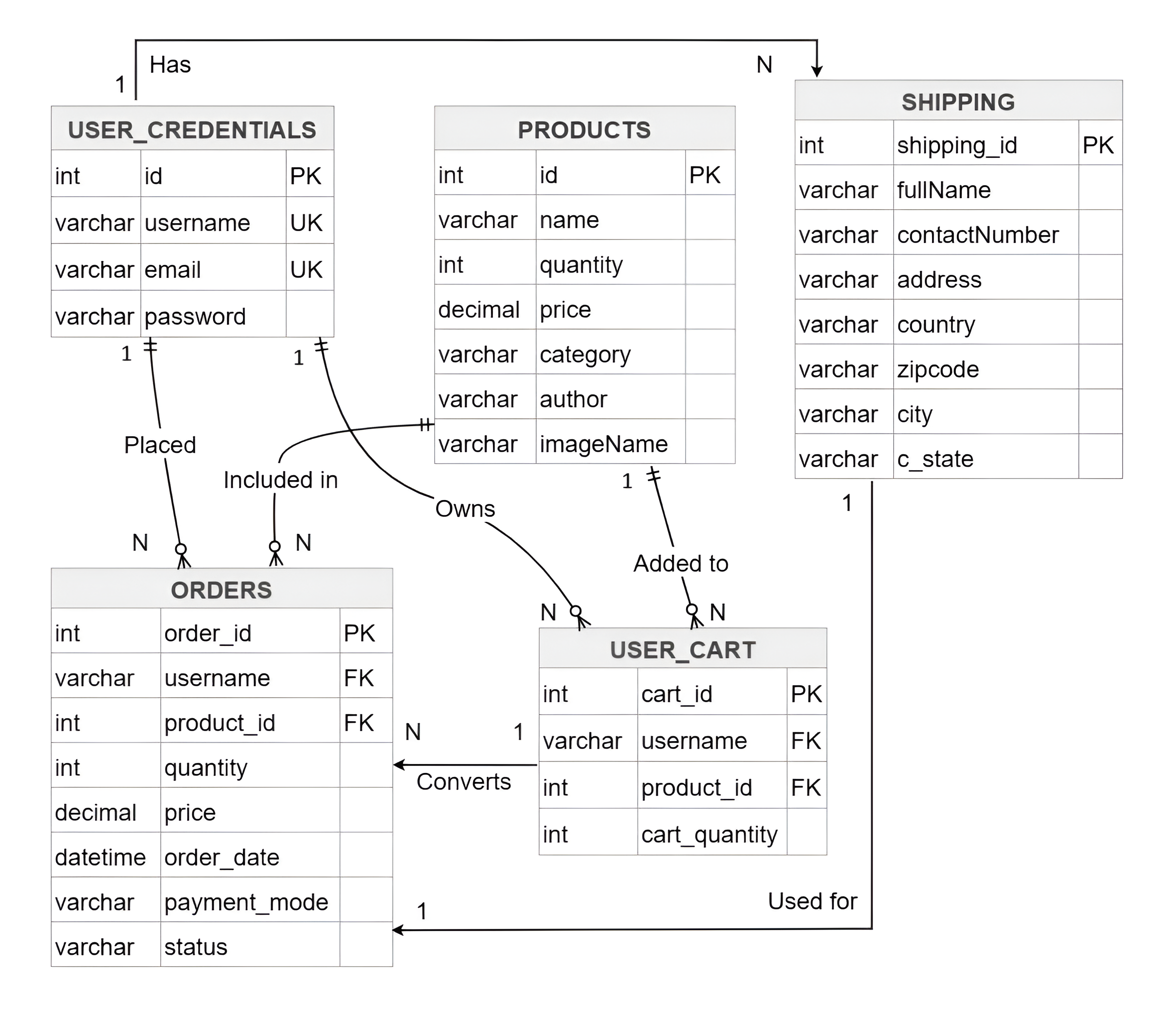
Database Schema Diagram